







Please note that this is our list of the best free icon sets. We have also written a separate list of the best paid icon sets for UI design.
When it comes to modern UI design and web design, a good quality icon set is invaluable and can make or break a design.
There is certainly no shortage of icon sets and there are many different styles of icons floating around the internet today. Just a quick Google search will reveal hundreds of icon sets, many of which are 100% free and open source.
The problem is not all icon sets are created equal. When we were building Untitled UI Figma — one of the largest Figma UI kits around — v1.0, we looked at dozens and dozens of open source, free, and paid icon sets. We even explored custom icon packs, comparing SVG icons, file formats, and licensing terms across dozens of libraries. Some were good, but we found the vast majority of icon sets lacked in quality, were inconsistent, or simply too small—usually a combination of all three. While there are many incredible premium (paid) icon sets, surprisingly, we found that many of the best icon sets were 100% free!
Choosing a good quality icon set can be just as time-consuming as creating your own custom icons. We’ve done an extensive search for the highest-quality free icon sets for UI design and compiled them here for you in one place.
This isn't an exhaustive list with 50 free icon sets for you to pull apart. We've intentionally kept this list as short as possible and have only included icon sets with genuinely beautiful icons so you don't have to waste your time. We regularly check for new icons worth adding, so this list stays current.
What is an icon?
In UI design and web design, icons are small graphical representations of a functionality or concept. They provide users with quick and recognizable visual cues that are easy to understand.
For example, lock icons indicate something is locked. Tick icons indicate that an action has been completed or saved. Trash icons mean delete or remove. Icons are so ubiquitous in modern UI and apps that we don’t often don’t even have to think.
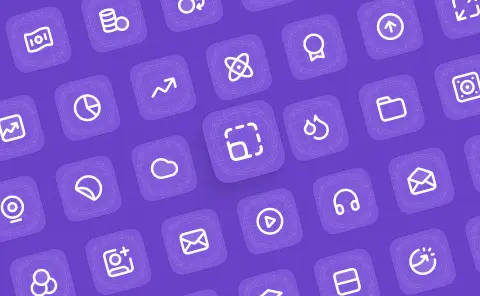
Consider these icons from Untitled UI Icons below. You should immediately recognize what they represent:
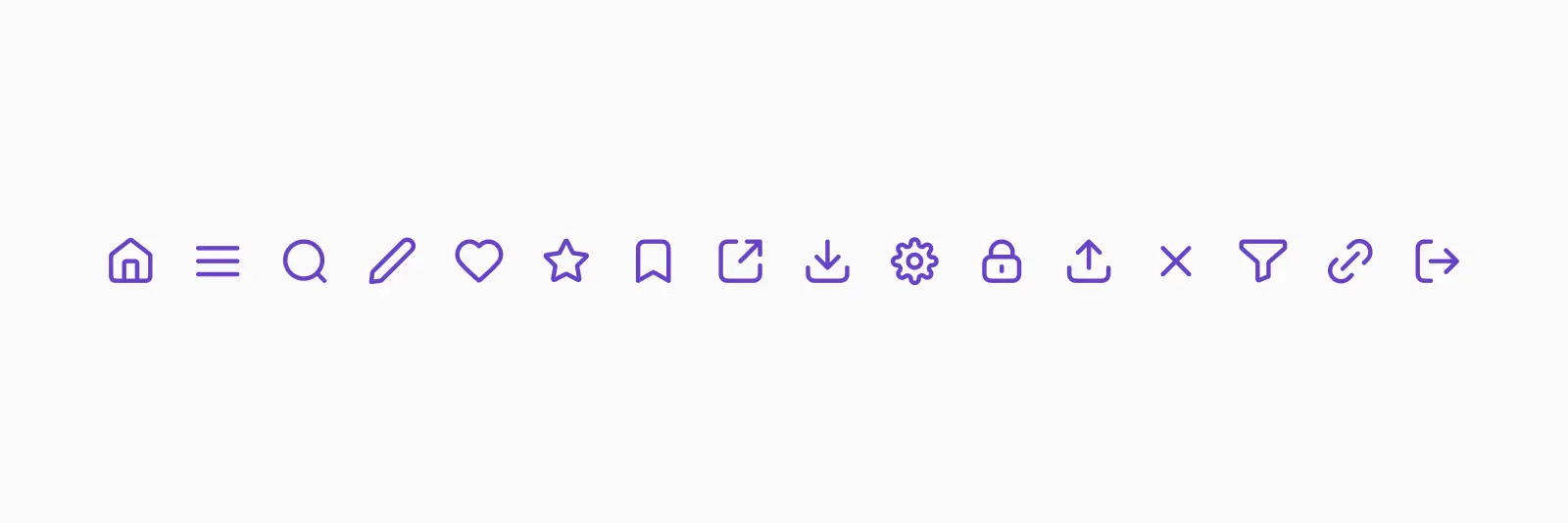
- House icons for the home page
- Three horizontal line icons to indicate a hamburger menu
- Magnifying glass icons for search
- Pencil icons to edit or modify content
- Heart or thumbs-up icons to like something
- Heart or star icons to favorite something
- Bookmark icons to save a bookmark
- Arrow coming out of the top of a square icons to share something
- Arrow pointing down into a square or cloud icons to download something
- Gear or cog icons for settings
- Lock icons to show something is secure
- Arrow pointing into a cloud or out of a box icons to upload something
- “X” icons to close or exit out of something
- Funnel icons to sort or filter content
- Link icons to add a link to something
- Arrow pointing out of a box icons to log out of something
These are what we like to call universal icons or default icons. They’re everywhere, and it’s pretty clear to the user what they mean. Boring? Maybe. But they work.
When it comes to choosing an icon pack or designing custom icons, don’t try and reinvent the wheel. These universal and default icons are familiar to users already and changing them up so they’re unrecognizable just introduces a new challenge unnecessarily.
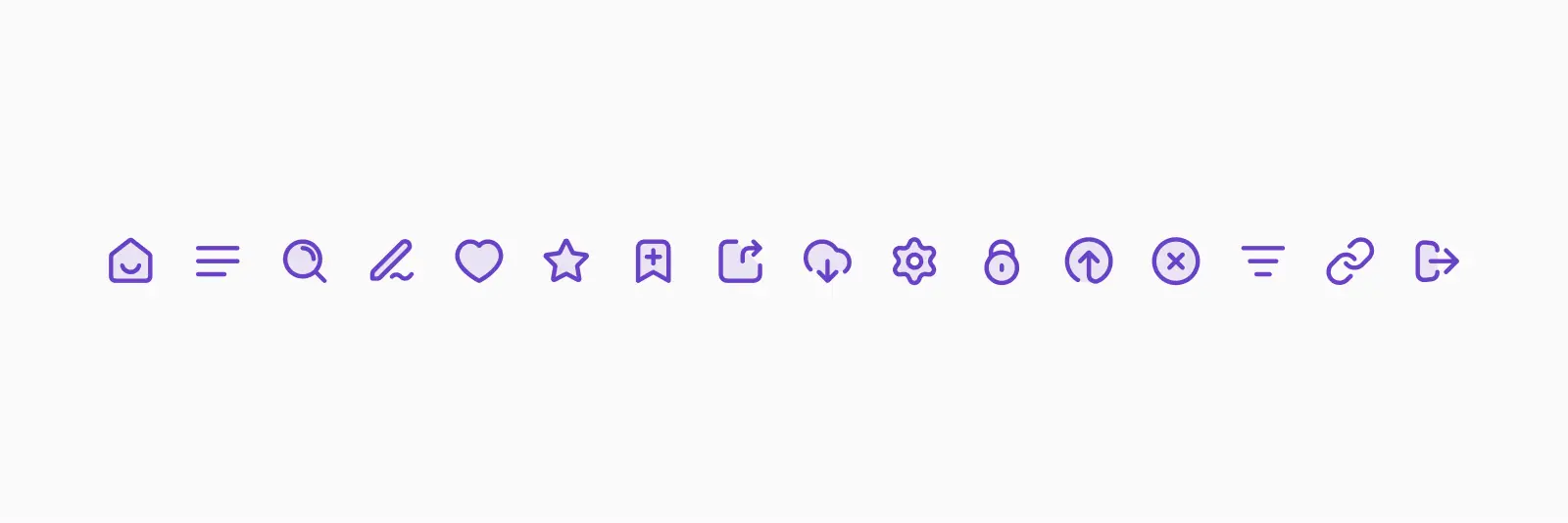
This doesn’t mean you can’t make your icons a little more visually interesting. As long as you don’t stray too far from the universally recognized symbol, it’s usually 100% fine. Here are the same examples using Untitled UI Icons in a duotone style:
Icons are important for UX
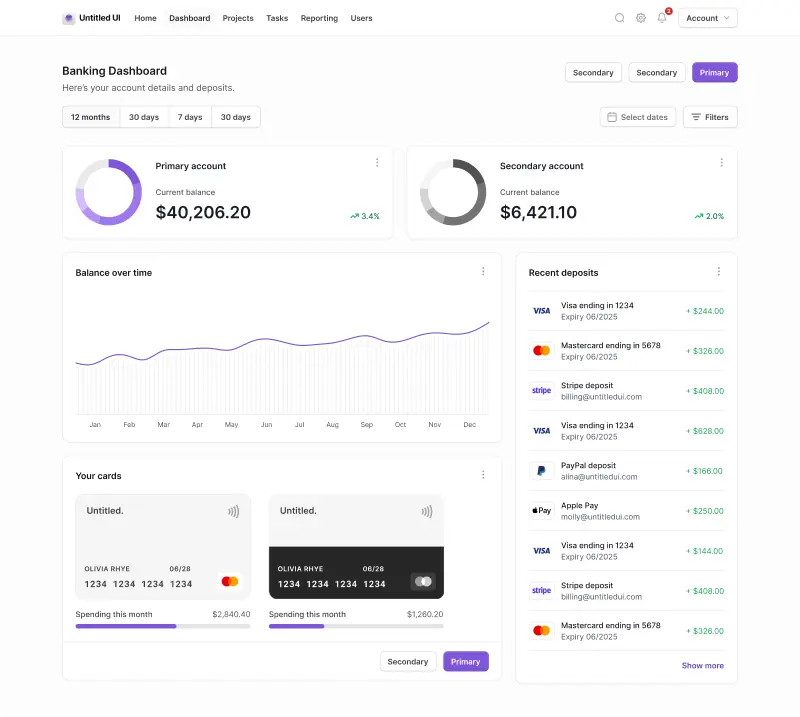
Icons are a crucial part of web design and UI design but are often overlooked. They’re especially important in information-dense UI design, such as dashboards or complex SaaS products.
High-quality icons can add style and visual interest to your designs. More importantly, when used correctly, good icon design can speed up user interactions by making actions immediately recognizable.
When you use a website or UI on any device, your eyes scan the content for the action(s) that you want to take. Some good examples of this are the home screen of your favorite app or a list of options in a menu. You’re not going to read every single word on the page, but you want to find what you’re looking for quickly.
This is where icons come in. Good icon design provides small visual cues for the user, helping you find what you’re looking for quickly and efficiently. As part of a consistent icon set, users quickly learn to associate certain icons with certain actions over time.
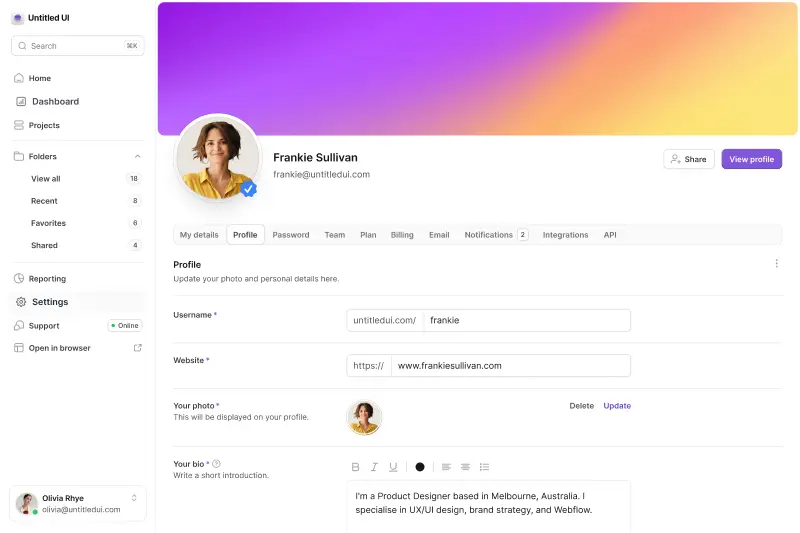
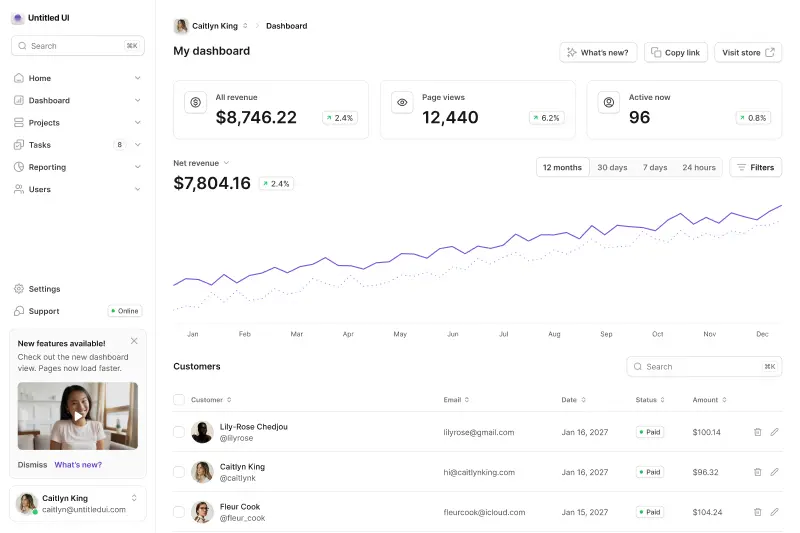
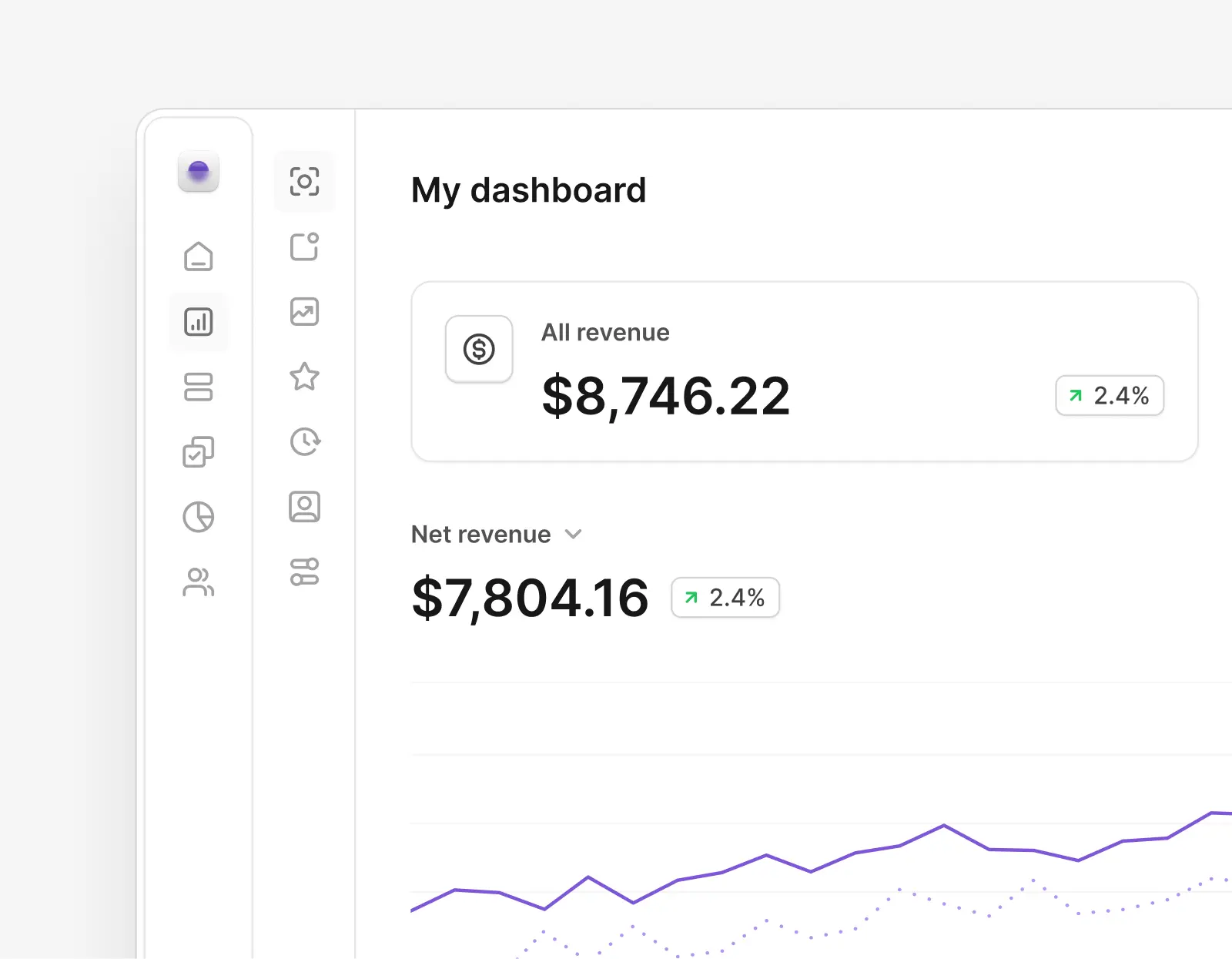
Sidebar navigation menus in UI design are the perfect example of this. Often, these are packed full of menu items and can be overwhelming for the user. Icons provide designs with quick and easy visual cues and make the menu list easier to scan.
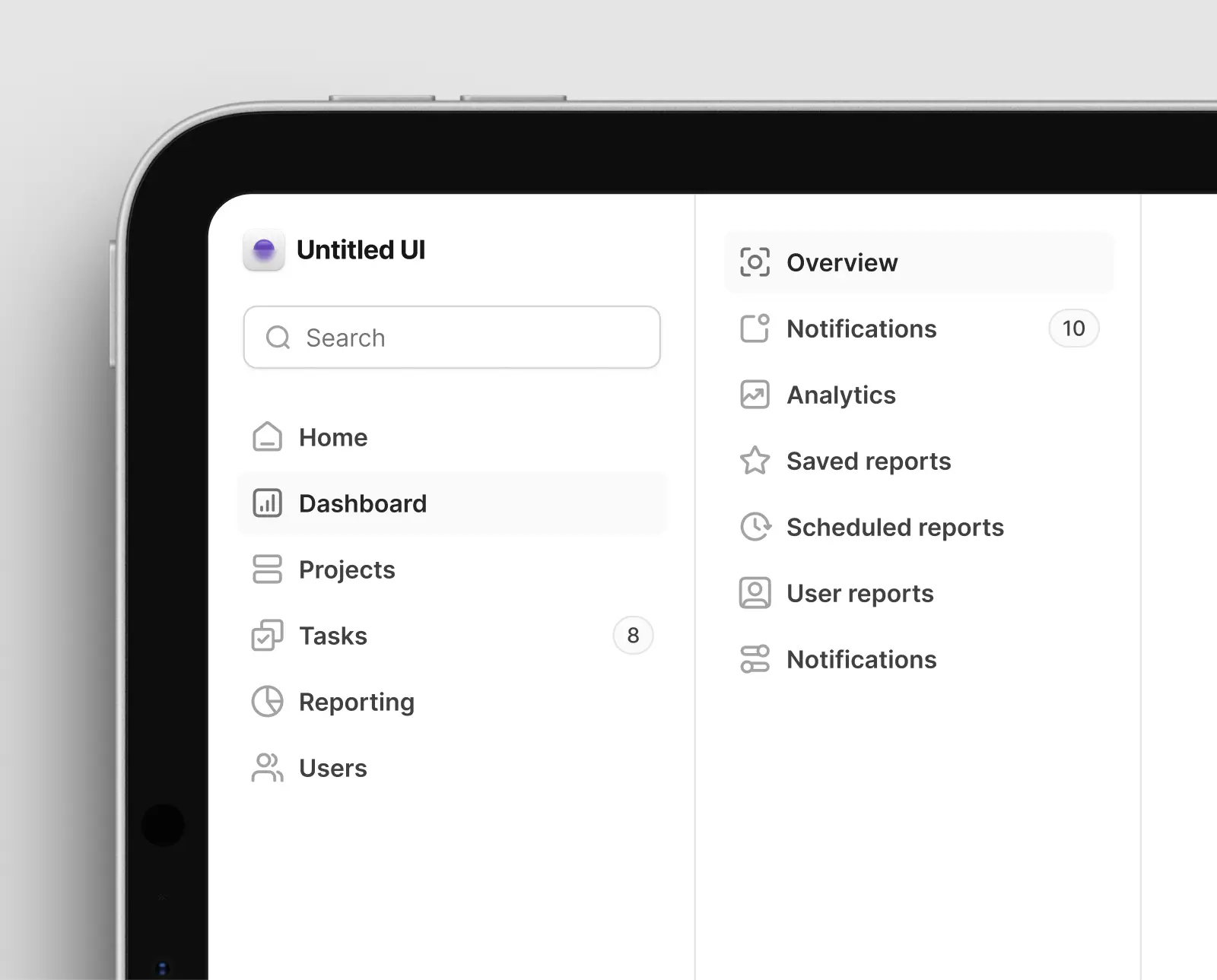
While they don’t seem like much, icons in UI design make the process of navigating this menu and finding what the user needs significantly easier, reducing the cognitive load and making this navigation easier to remember over time. Good web design and thoughtful icon design work together — neither carries a product on its own.
At the end of the day, icons should be easy to understand
Icons are everywhere in the physical world as well. Road signs are a great example of clear and functional iconography. They're basically big icon sets. While they differ in style slightly around the world, they’re easy to understand and universally recognizable, even at a glance.
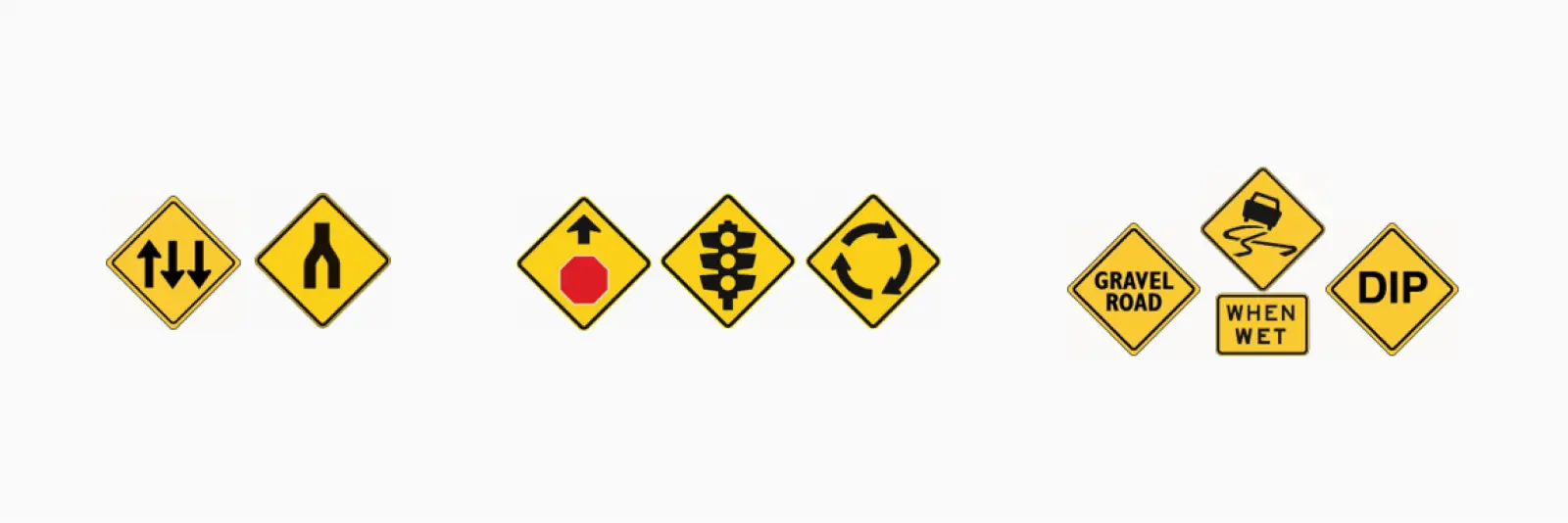
Imagine how chaotic and stressful driving would be if road signs and their icons were inconsistent and hard to understand and interpret? Or if new icons were being introduced all the time? Drivers should be able to drive past signage without needing to slow down or divert their attention to understand what they mean. In the words of Steve Krug, “don’t make me think”.
The same goes for icons in UI design and websites. While the consequences aren’t life-threatening like road signs, poor iconography and low-quality icon packs create a frustrating experience for the user by slowing them down and making them think.
The main objective of icons in your design are not only to look beautiful but to be easy to understand. There’s no reason they can’t be both, but icon design should be functional first and foremost.
Sure, weird and wonderful icons and custom icon packs might look more interesting, but if users don’t understand what they mean in a quarter of a second, your ego is impacting the overall user experience and they’ll get frustrated.
No matter what free icon set, icon font, or premium icons you choose, remember that icons should be functional first and visually interesting second. Too many designers fall into this trap and choose interesting icon sets at the sake of usability.
Stick to icons and icon sets that people recognize wherever possible, especially for common user interaction or tasks like the examples above.
How to choose an icon set for your project
When starting a new web design project, choosing high-quality icons from the start will save you a lot of headaches and wasted time down the track. It can be a tough decision, especially because there are simply so many out there, with new icons popping up every month.
Thankfully, there are a few key things you can look out for. A good free icon set should check these boxes:

The icon set should be large enough to suit your project
Look for icon sets with a wide range of icons that will cover your needs. You won't need 10,000+ icons but aim for at least 250+ essential icons that you'll almost certainly need.
Otherwise, you’ll find yourself painstakingly creating custom icons down the track. This can be incredibly time-consuming, but also leads to inconsistencies.
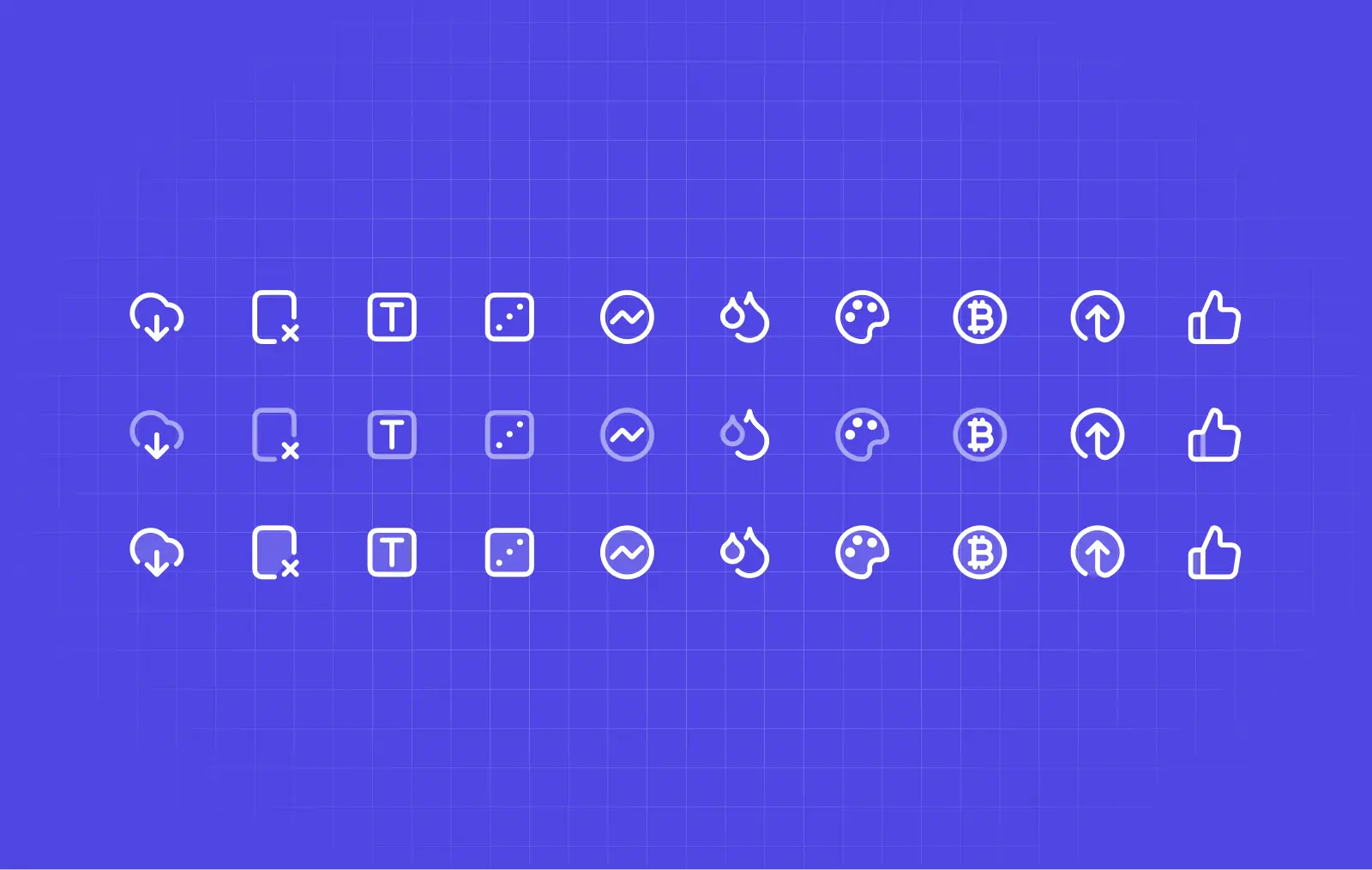
The icon set should be consistent and professionally crafted
Good quality icon sets are consistent, optically balanced relative to each other, and just “look good”. They should be clear enough to work in dark themes and across all devices.
It can be hard to spot if you’re new to design, but inconsistent and unbalanced icons are very easy to spot.
Look for icon sets that include SVG format or a Figma file so you can export to SVG or PNG file formats easily. If you're more familiar with Adobe software, look for AI or EPS file formats. Avoid free icon sets that only come with PNG formats — limited file formats will slow you down later. A single well-organized Figma file beats hunting through loose SVG exports every time.
The icon set should suit your brand
This can be subjective, but icon sets can vary drastically in style and how they “feel”. Often, premium or paid icon packs are a distinctive style to differentiate them from other icon sets.
Many icon sets come with several different styles. In general, rounded icons tend to feel more fun and playful, while tight and minimal icon sets can feel more modern.
Choosing an icon set that is consistent with your brand will ensure they don’t look out of place. If in doubt, opt for a neutral and clean icon set that will work well with anything. Many icon libraries also ship a Figma plugin so you can search and drop in icons without duplicating the whole library into your file.
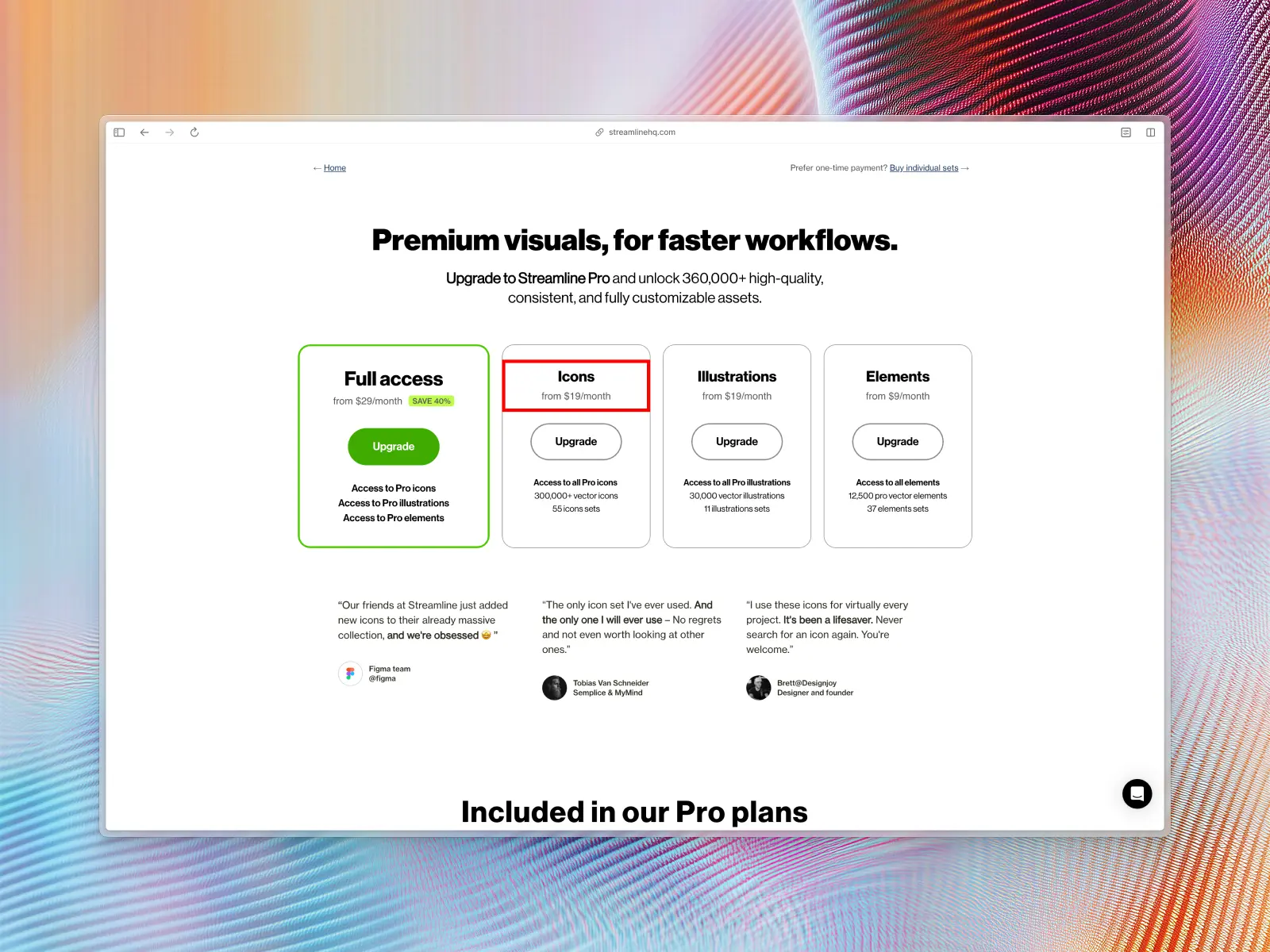
You don't always need to pay for icons (and watch out for subscriptions)
Plenty of free and open-source icon libraries cover almost every use case in modern UI design, so don't assume you need to spend money at all — check the free options first.
If you do go premium, check the pricing model before you commit. A one-time purchase means the icons are yours — forever, no strings attached. A subscription means you're renting them: stop paying and you lose access to icons already shipped in your product, potentially breaking your UI down the line.
This is worth flagging because it's an easy detail to miss at checkout, and some shady icon creators count on that. Digital assets you've paid for should be yours to keep. Always check the license terms before you buy, and be wary of any icon set that only works as long as your card keeps getting charged.
The same logic applies to fonts: there are plenty of high-quality free typefaces that suit almost any modern UI project without licensing headaches. We cover this in our post on the best free fonts for modern UI design.
It's better to pick an icon set from the start — don’t wing it
Choosing a good icon set from the start means you won’t be picking and choosing icons from different icon sets as you go. This can be an absolute nightmare because as your icon set grows, it will become more and more inconsistent and messy, even to the untrained eye.
Nothing stands out more in modern UI design than inconsistent icons. Migrating an entire Figma file of icons later is far more painful than choosing well up front.
This is especially important for large design projects. As you scale, inconsistent or poor-quality icon sets will only build design debt. Eventually, you (or another designer) will have to go back and tidy these up or replace the icon set with professional icons that work well together. This can take months and is wasted time and money.
These are examples of the mail icon from different icon sets around the internet. As you can see, they all have a very different style.

Most of these icons look okay on their own, but next to different styles they look out of place. Some look a little dated, but it can be hard to tell why and without context... Usually, it’s a combination of many micro-decisions that were made by the icon's designer—style, stroke weight, size, aspect ratios, fill—all of which factor into the overall look and feel of the individual icons and the icon set as a whole.
High-quality icons are effective, but also look good
Quality and consistent icons can make a website design or app more visually attractive. There's no reason why icons can't be functional and also aesthetically pleasing.
While these mail icons in the example above would work just fine as part of a consistent icon set, mixing and matching different styles made by different icon designers for different purposes will always look inconsistent and unprofessional.
At best, this makes your designs look bad. At worst, this lack of care and professional polish can lead to mistrust of your product by your users. A consistent and free minimal icon pack with 250 icons will always be a better choice than an inconsistent icon pack with 10,000+ icons.
A high quality icon set is worth the extra time spent choosing it — you don’t realize the power of a high-quality icon set until you start using one. A good free icon set saves you time and money usually spent on meticulously creating icons one-by-one, or even worse, constantly fixing existing icons so they're more consistent and optically balanced.
You can avoid most of these issues and pitfalls by choosing a high-quality icon set from the start. This will save you time, headaches, and expensive design+tech debt down the track.
How we chose these free icon sets
Every icon set on this list has been downloaded and used first-hand, not judged from a landing page screenshot. Nobody pays for a spot here, and sets get removed if they stop being maintained.
Four things decide whether a free icon set makes the cut: whether it's genuinely free for commercial use, not just for personal projects or a stripped-down teaser for a paid tier; whether the license is clear about attribution (MIT and Apache need none, Creative Commons often does); whether the icons are visually consistent enough to use as a full set rather than mixed and matched with others; and whether it's large enough to cover a real project without leaving obvious gaps.
Licenses and icon counts are checked against each vendor's own site every time we update this post. Untitled UI Icons is our own icon set, which is why it's first — read that entry with the appropriate skepticism and go download it yourself.
The 25 best free icon sets at a glance
Here's every free icon library on the list side by side, in the same order as the full reviews below. Use this table to shortlist a few by size, style count, and license before you read the full write-ups underneath.
The great news is that all of these are 100% free! Here are our top picks for the best free icon sets for modern UI design:
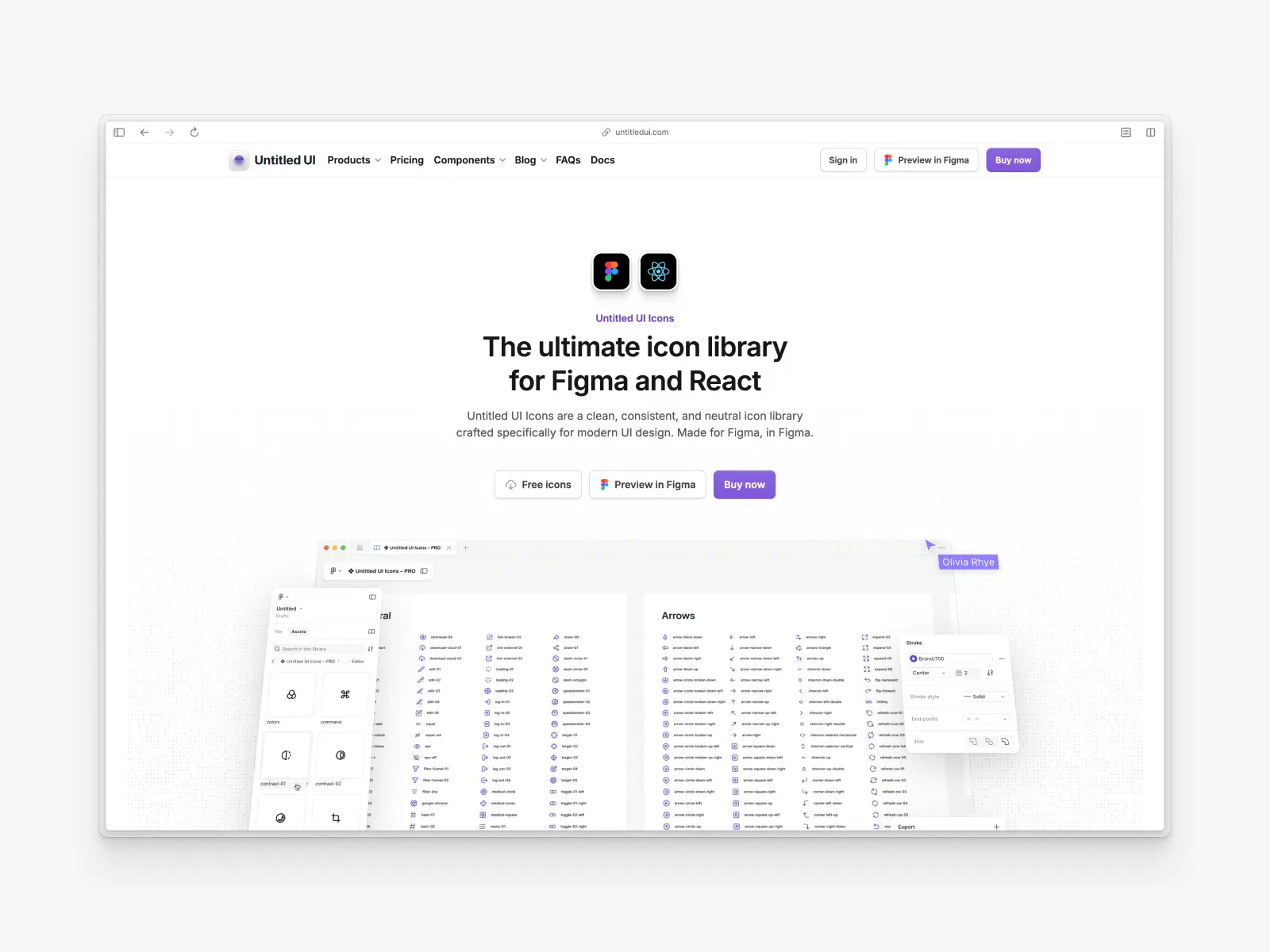
1. Untitled UI Icons
untitledui.com/icons — 1,100+ free essential icons for modern UI design
Untitled UI Icons are a clean, consistent, and neutral icon library crafted specifically for modern UI design. Made for Figma, in Figma.
This 100% free icon set includes a whopping 1,100+ essential icons for modern UI design, neatly organized across 19 categories. There are also additional duotone and duocolor styles available at untitledui.com/icons if you're after something a little bit different.
Untitled UI Icons launched in early June 2022. It was voted Product Hunt #1 Product of the Week and was downloaded 20,000+ times in the first 2 weeks. It's now the #1 highest-rated icon set on Gumroad and was retweeted 1,250x on Twitter.
Since then, the 100% free icon library on Figma Community has been downloaded over 350,000 times, making it one of the most popular Figma icon libraries of all time.
Untitled UI Icons are also available as a React component package on npm, so the same icon set used in your Figma files can be dropped straight into code. It's widely regarded as one of the highest-quality and most popular icon libraries available today.
Learn more about Untitled UI Icons or download the free icon set here! You can use this huge library in as many projects as you like.
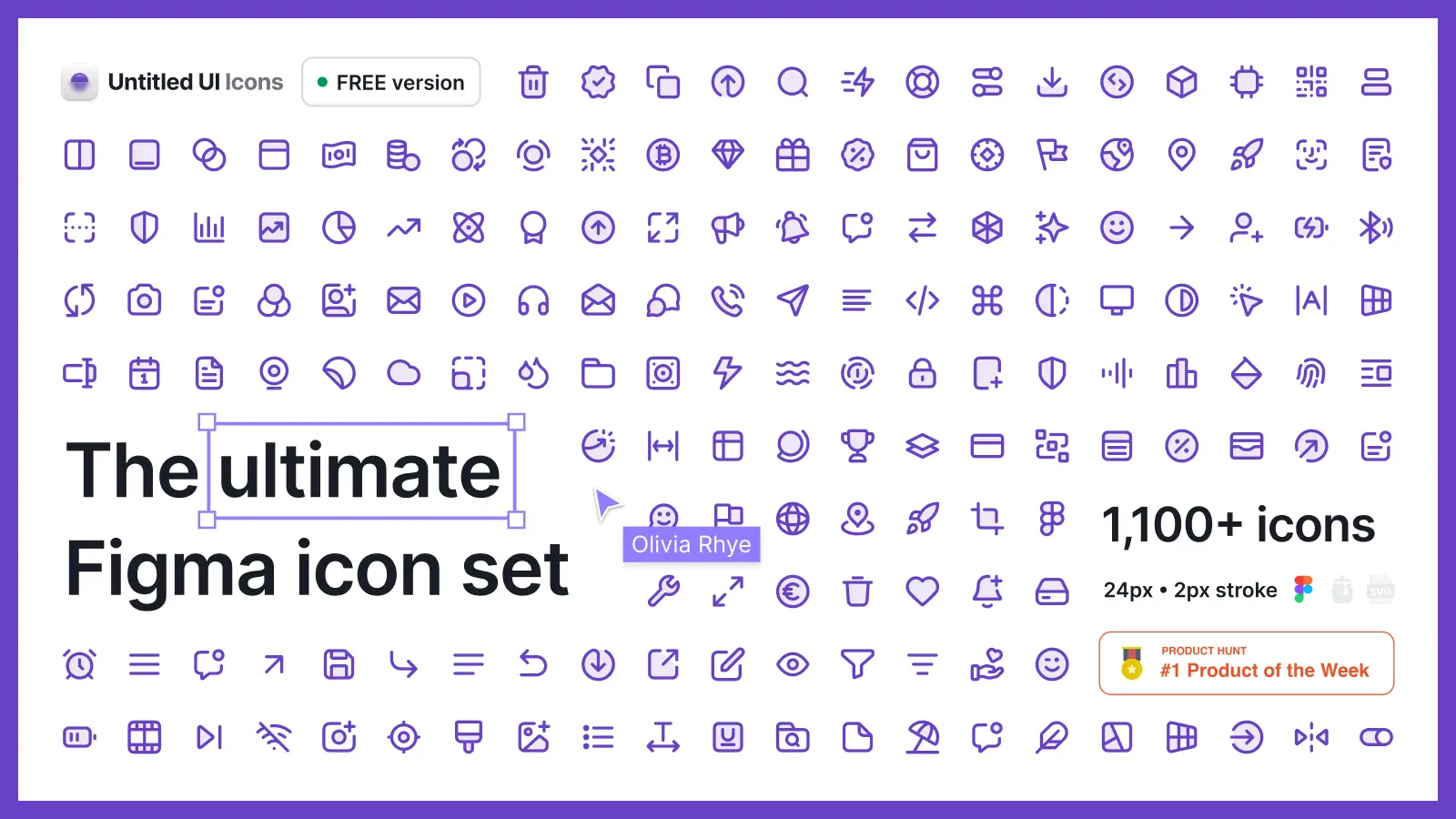
What makes Untitled UI Icons different?
This free icon set was crafted specifically for Untitled UI Figma, the largest and most popular Figma UI kit and design system in the world and the #1 design and tech product on Gumroad — one of several Untitled UI products built for modern UI design teams.
We searched everywhere for the "ultimate" icon set for modern UI design to use across all our projects... We couldn't find a free icon set we loved so we made one that ticked all the right boxes.
- Made for Figma, in Figma. 100% compatible with Figma's component properties and override features. Say goodbye to Illustrator.
- Crafted specifically for modern UI design. Clean, consistent, and professionally crafted icons. Purposefully not overly stylized and neutral enough for any project or device.
- 1,100+ and counting. Packed full with 1,100+ free vector icons you can use in unlimited personal and commercial projects, no attribution required. Everything you need to design modern and beautiful UI and websites, backed by beautiful icons that hold up at any size. Such a wide range means no more custom icons!
- Neatly organized. The entire icon set is neatly organized alphabetically across 19 categories. Spend less time searching icon packs and more time designing.
- Smooth corners by default. Untitled UI Icons use beautiful and naturally continuously 60% variable curves on all corners. They stress these tiny details because once you see it, you can't unsee it.
- 2px stroke weight default. 2px stroke weight by default for visually-balanced icons across sizes, including smaller sizes used in dense UI. Change stroke weight in Figma with just a few clicks.
- Optimized SVG output. No unnecessary layers or shapes. SVG outputs are optimized for minimal file size, no unnecessary attributes, and infinite scalability.
- Use in unlimited projects. In fact, we designed the icon set this way—to be as neutral, flexible, and scalable as possible to use as a single "ultimate" library for any project. You can use it in as many personal and commercial projects as you like!
- Lifetime updates. No subscriptions or "upgrades". Get lifetime updates forever. We're always making improvements to Untitled UI products.
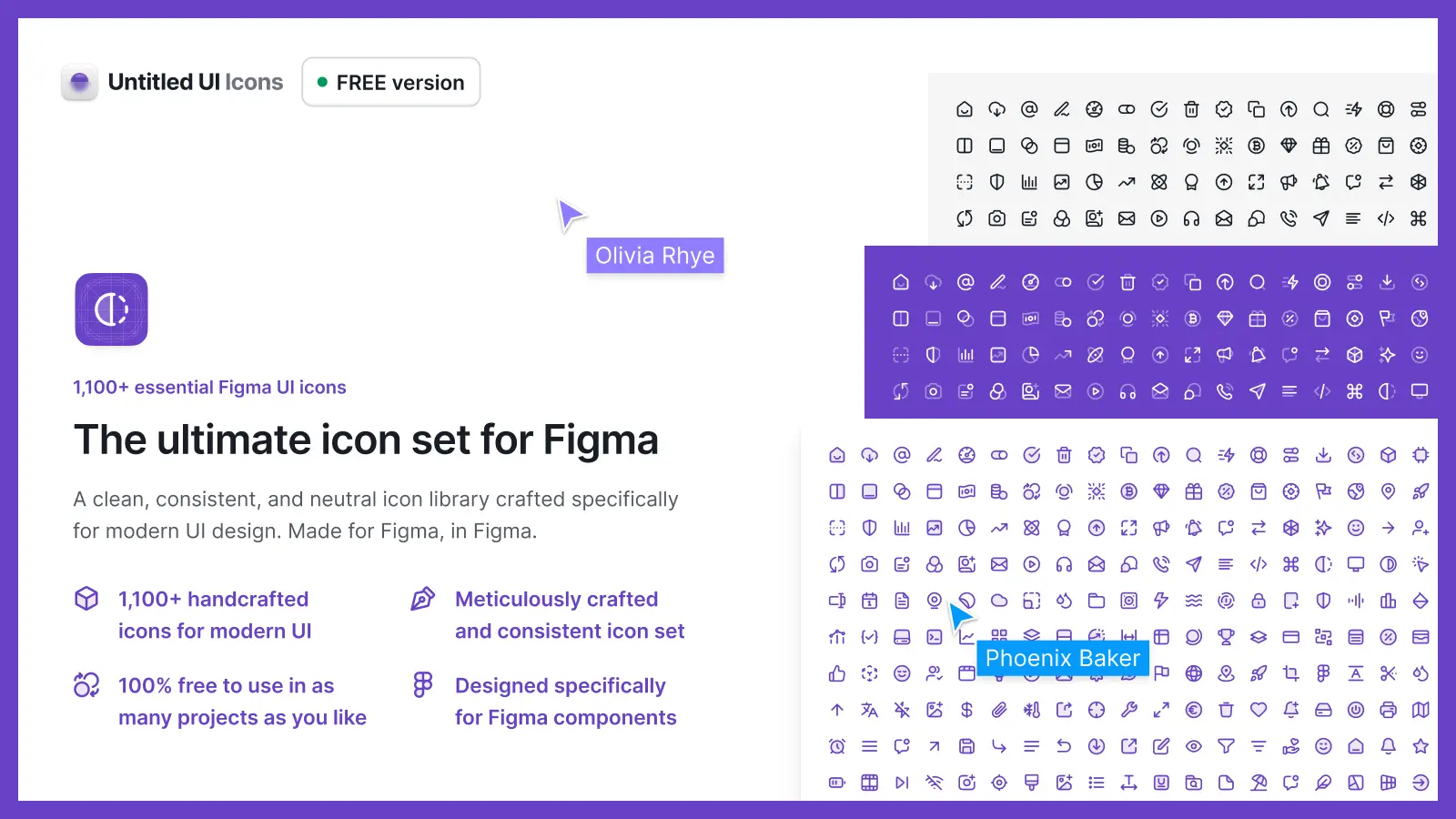
It's designed to slot straight into your existing Untitled UI products, so your icons, UI kit, and React components all share the same visual language.
Download 1,100+ free essential icons at untitledui.com/free-icons
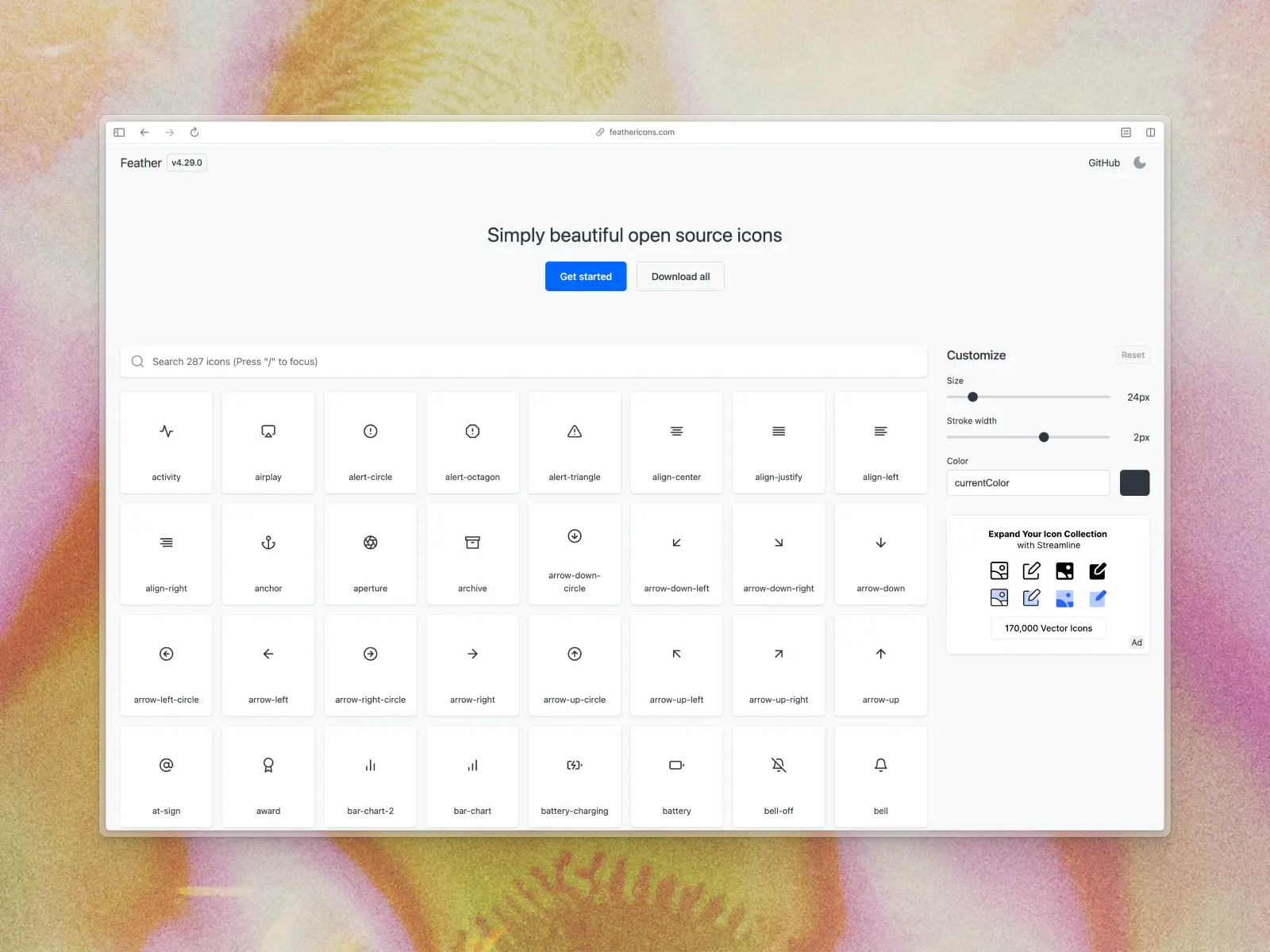
2. Feather Icons
feathericons.com — 287 free icons
Feather Icons aren't the biggest free icon set on this list, but they'll always be one of our favorites. This free minimal icon pack was crafted by Cole Bemis and features 287 simply beautiful open source icons.
Each icon is designed on a 24x24 grid with an emphasis on simplicity, consistency, and readability. If you're looking for a lightweight and scalable icon library that will work in almost any project, Feather Icons are a great option! It's one of the most popular icon sets in the world for a reason.
You can download the entire library in SVG format as a .zip from their site.
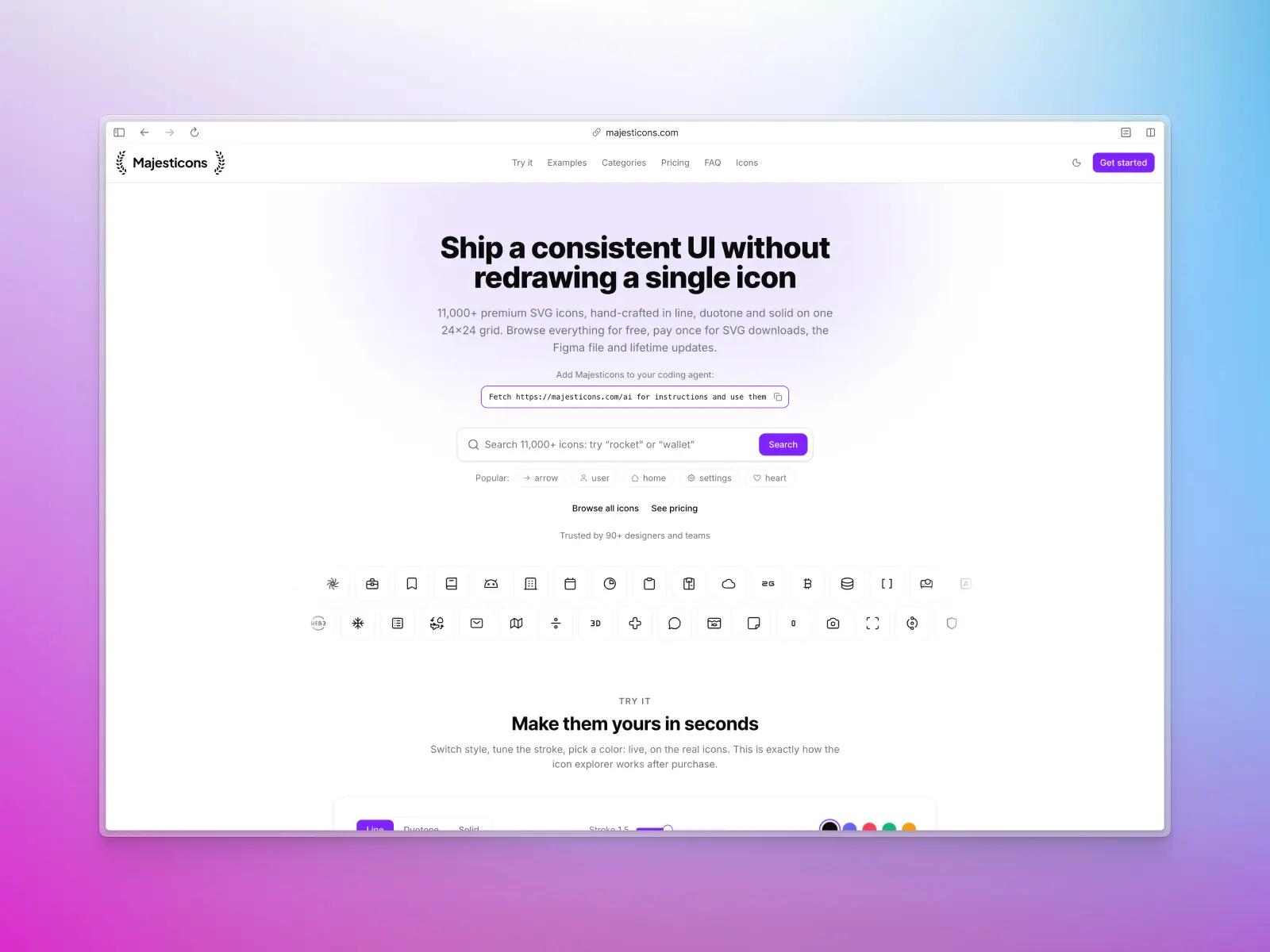
3. Majesticons
majesticons.com — 760 free icons across 2 styles (380 icons per style)
Majesticons are a useful icon set crafted by Gerrit Halfmann. They consist of 760 free MIT License icons in two styles—line and solid (380 icons per style).
We love this icon set for a few reasons. Firstly, they're super minimal and consistent which means they'll work well across any type of web design or UI design project. Secondly, they're clearly crafted with care by a professional and are easy to customize right in Figma, including full support for component override features!
If you need even more in the future, they also have an expanded icon pack for sale with 11,000+ vector icons across 54 categories. It looks great and is made with Figma based on 24px grid system with 2px stroke width.
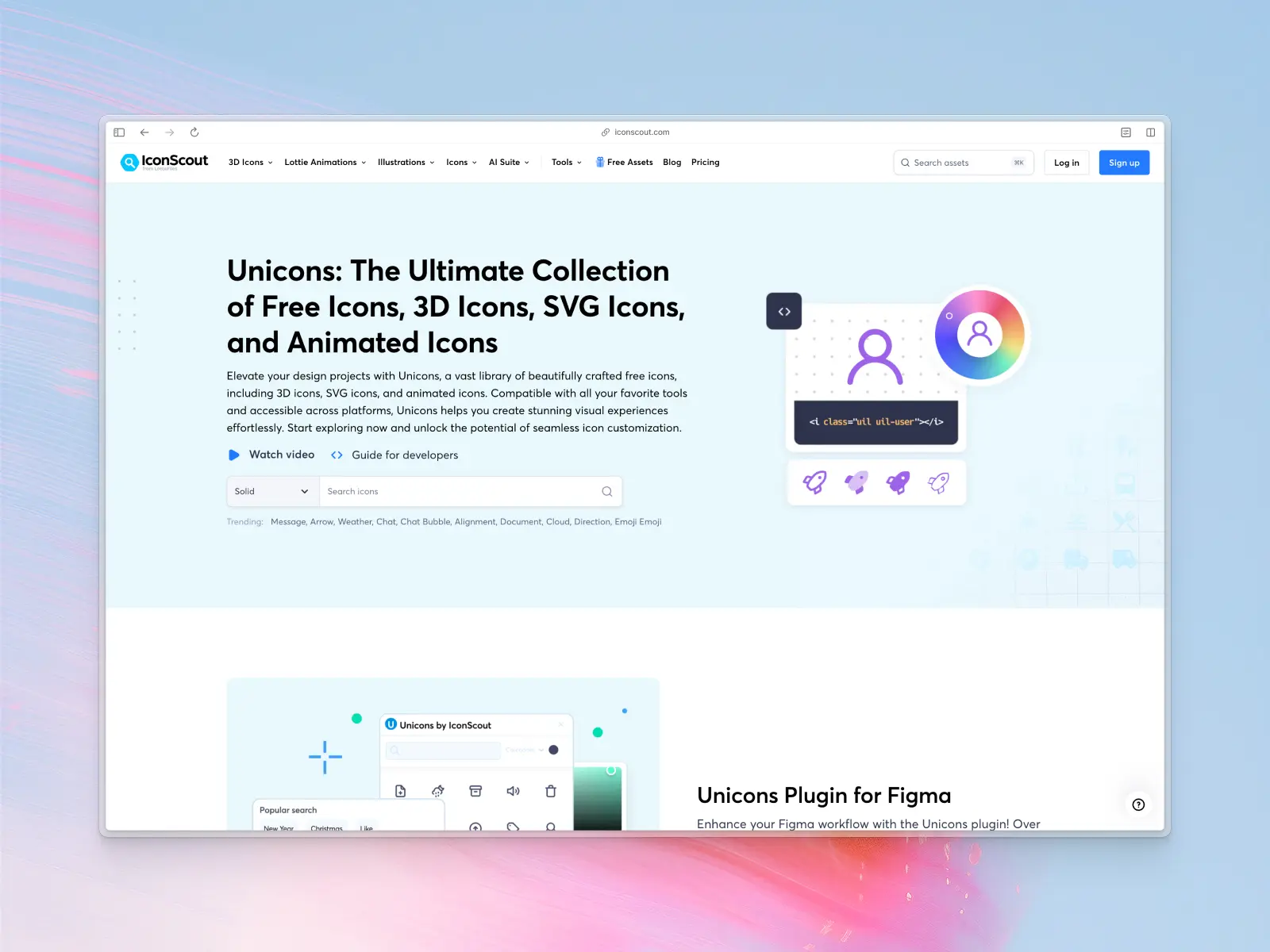
4. Unicons by IconScout
iconscout.com/unicons — 1,200+ free icons
Unicons is a fantastic icon set by the IconScout team. While the huge 4,500+ Unicons icon set is a paid icon set, they've generously released the 1,200+ line icon library for free.
Their free line icon set consists of 1,200+ icons carefully crafted on 24px grid with 1px stroke. The free version is limited to one style, but it's more than enough for most UI design projects. This free icon set is huge and we particularly love how well-organized it is into 27 categories.
You can download the icon set as SVGs as well as a web font/icon font via their website.
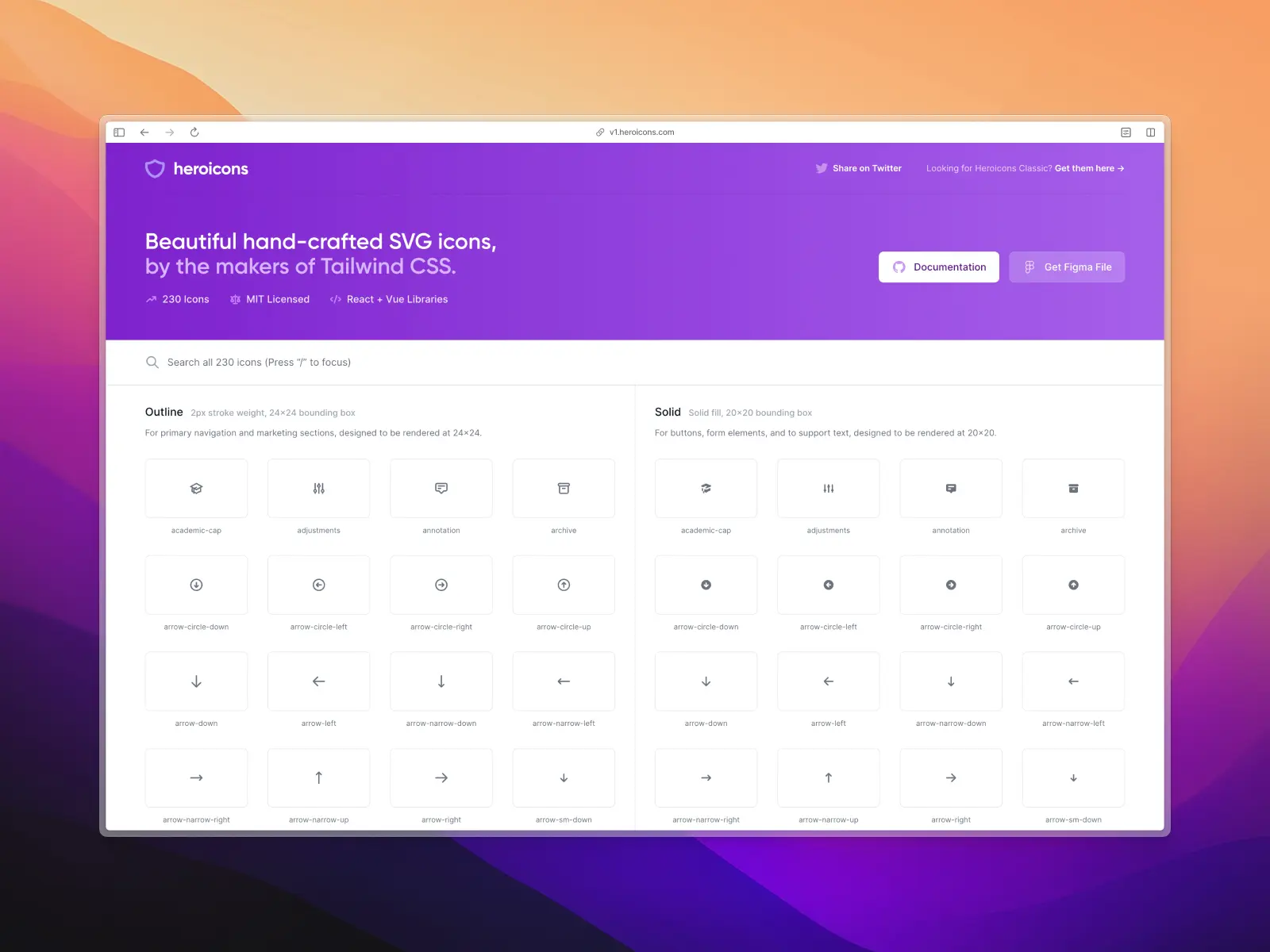
5. Heroicons (Legacy v1.0)
v1.heroicons.com — 230 free icons
Heroicons v1.0 is an incredibly popular and open source icon library crafted by Steve Shoger, one of the creators of Tailwind CSS.
It consists of 230 beautifully crafted and minimal MIT Licensed icons. Similar to Feather Icons, this icon set is not going to be the biggest on this list, but we love it because it's neutral and will suit pretty much any project.
Heroicons are also unique in that it includes 2 separate styles, depending on your use case. The outline icons are created with 2px stroke weight and are designed to be rendered at 24x24px. For smaller use cases such as buttons and form elements, this icon set also includes solid icons which are designed to be rendered at 20x20px.
This kind of attention to detail is what sets Heroicons apart from the hundreds of much larger icon sets that didn't make this list.
Note: v1.0 has since been superseded by Heroicons v2.0 (below), which is where ongoing development happens now. v1.0 still works fine and remains MIT licensed, but for a new project we'd point you to v2.0 first.
You can download the icon set as SVGs via their website or duplicate the official Figma Community file.
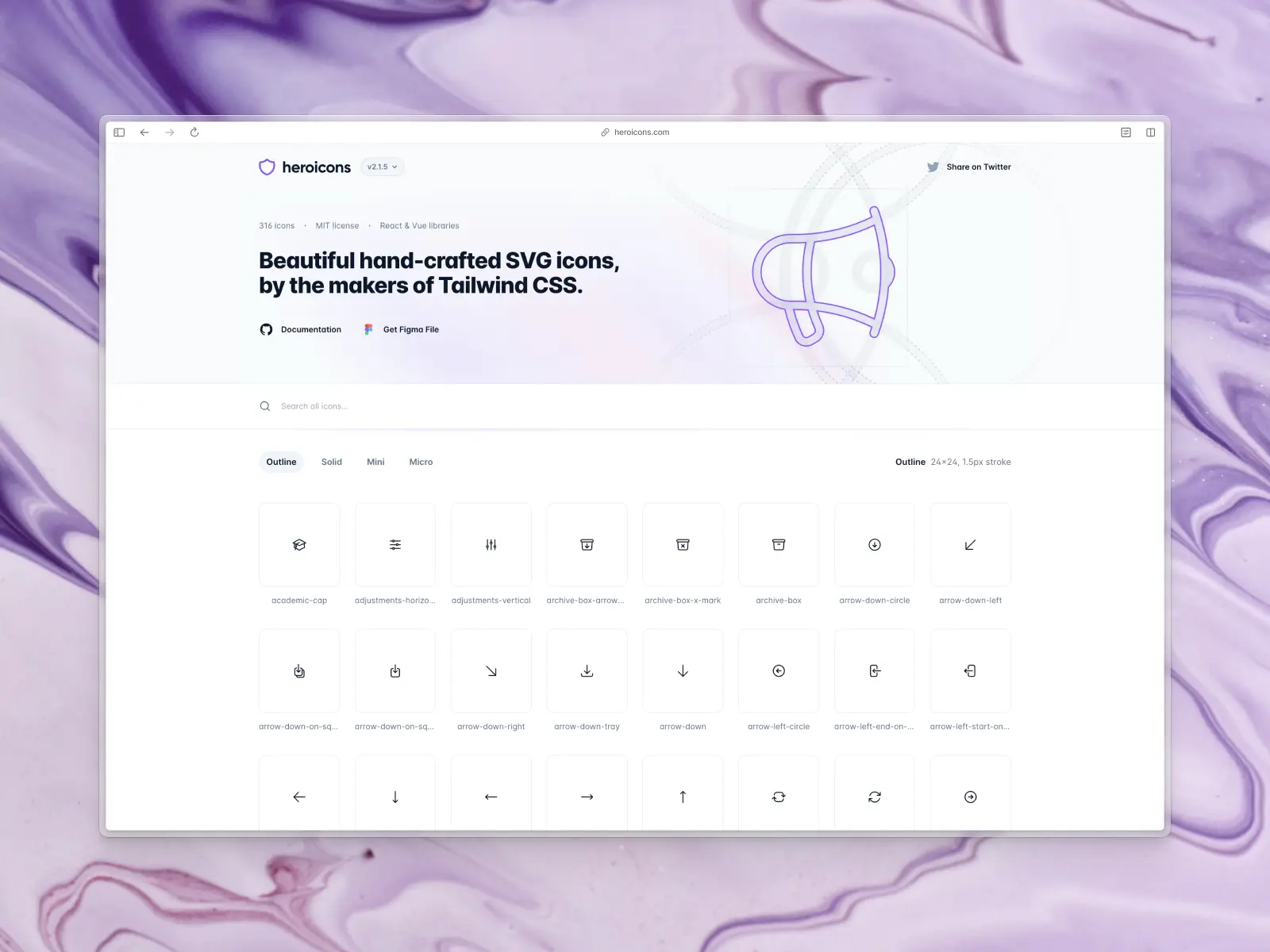
6. Heroicons (2.0)
heroicons.com — 1,260+ free icons across 4 styles (roughly 316 icons per style)
After the success of Heroicons v1.0, Steve Shoger, launched Heroicons 2.0 in August 2022.
The library has grown steadily since its 2022 relaunch and now covers 4 separate styles, depending on your use case: outline (24x24px, 1.5px stroke), a matching solid style, a smaller mini style rendered at 20x20px, and an even smaller micro style at 16x16px for dense UI like table rows and inline badges. That range makes it easy to keep icons legible at smaller sizes without switching to a whole new icon set.
One notable difference between 1.0 and 2.0 is the stroke weight is thinner at 1.5px by default.
Just like Heroicons 1.0, this set is beautifully crafted and Steve has again generously made the icon set 100% free with an MIT license. It's not the largest library on this list, but it's incredibly high quality and deserves to be as popular as it is.
You can download the icon set as SVGs via their website or duplicate the official Figma Community file.
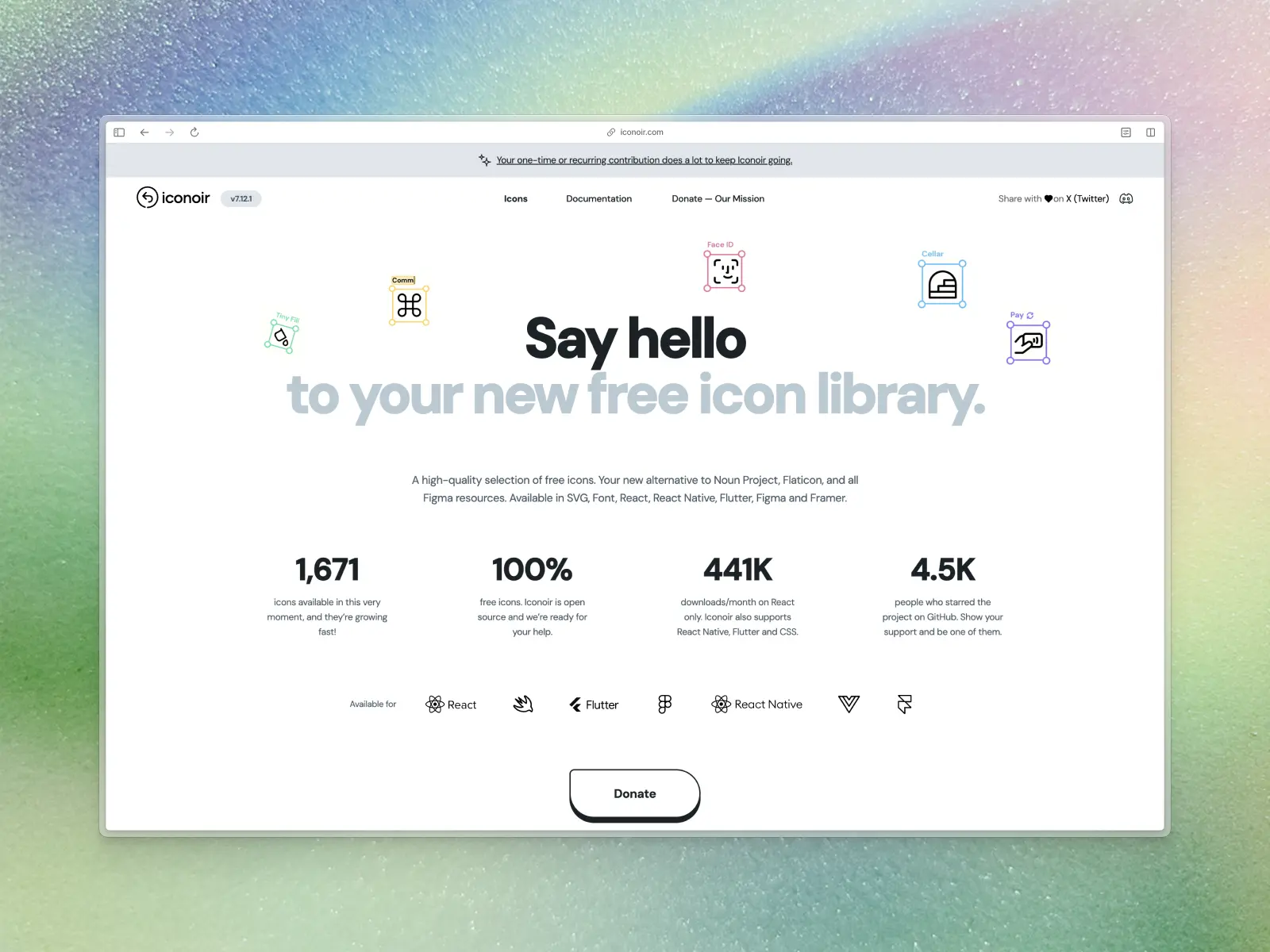
7. Iconoir
iconoir.com — 1,671 free icons
Iconoir is a great open source icon set crafted by Product Designer, Lucia Burgio. It comes packed full with 1,500+ icons in SVG format, as well as icon libraries for React, React Native, Figma, and Framer.
We're big fans of these icons for their paired-back and super minimal style. They're ideal for modern web design and user interface design. So much so that Framer intergrated them into their design software in June 2021!
The Iconoir icon set is 100% free and open source and you can preview every single SVG icon on their website. If you find it useful, you can support the creator on Open Collective.
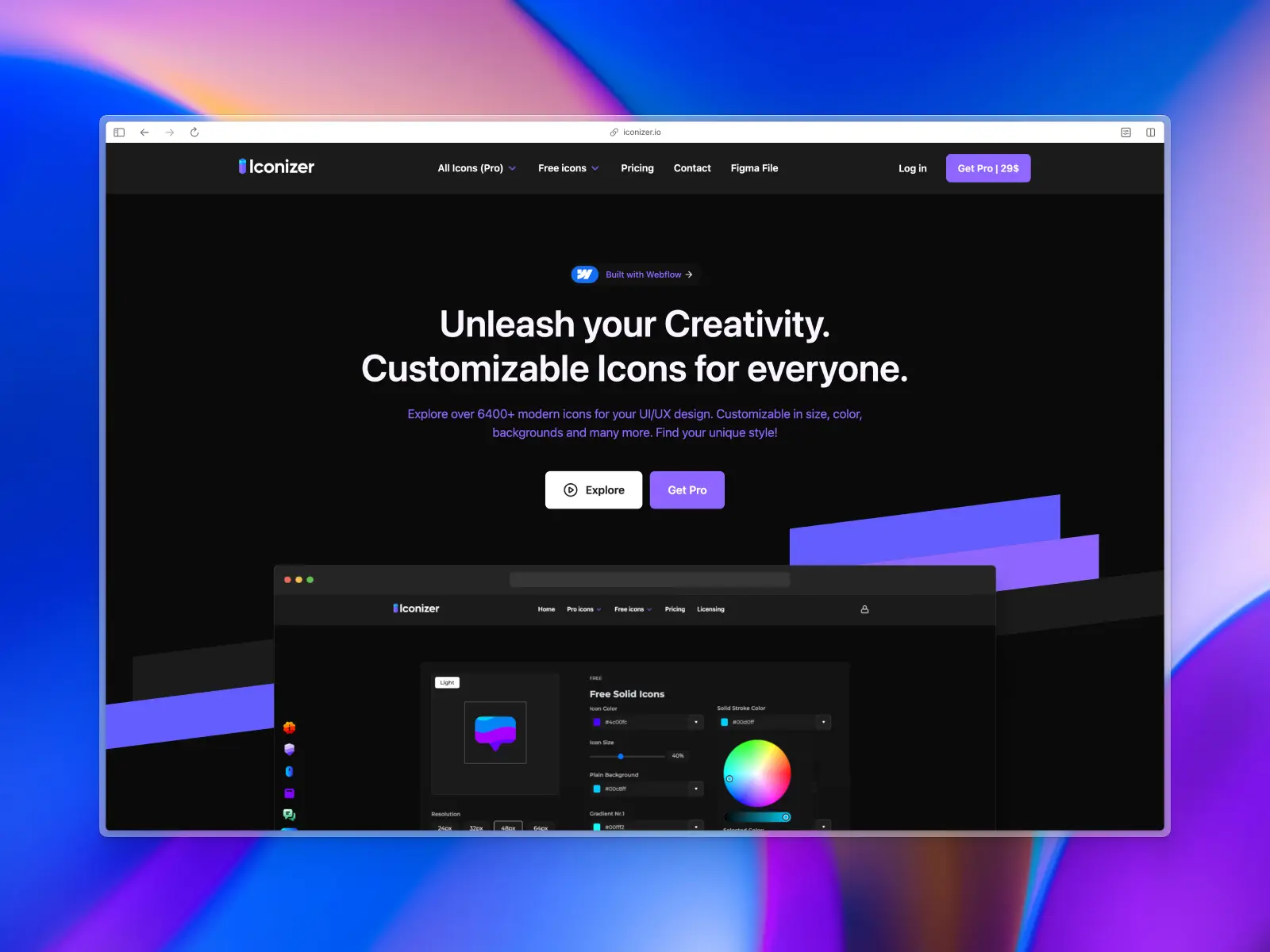
8. Iconizer
iconizer.io — 1,500+ free icons
Iconizer offers a collection of 1,500+ icons across 4 different styles for free. What sets Iconizer apart is they is they allow users to easily customize icons directly from their site. You can change icon size, stroke weights, colors, and copy or export SVGs without leaving your browser.
Check out the free icon set and preview every single SVG icon on their website. They're clean, consistent, and great for UI design. If you find these icons useful, you can create a free account to bookmark icons. If you really find these icons useful, Iconizer also offer a paid version of the library which includes 6,400+ icons across 4 different styles. The free version covers the essentials, but the paid version unlocks the rest.
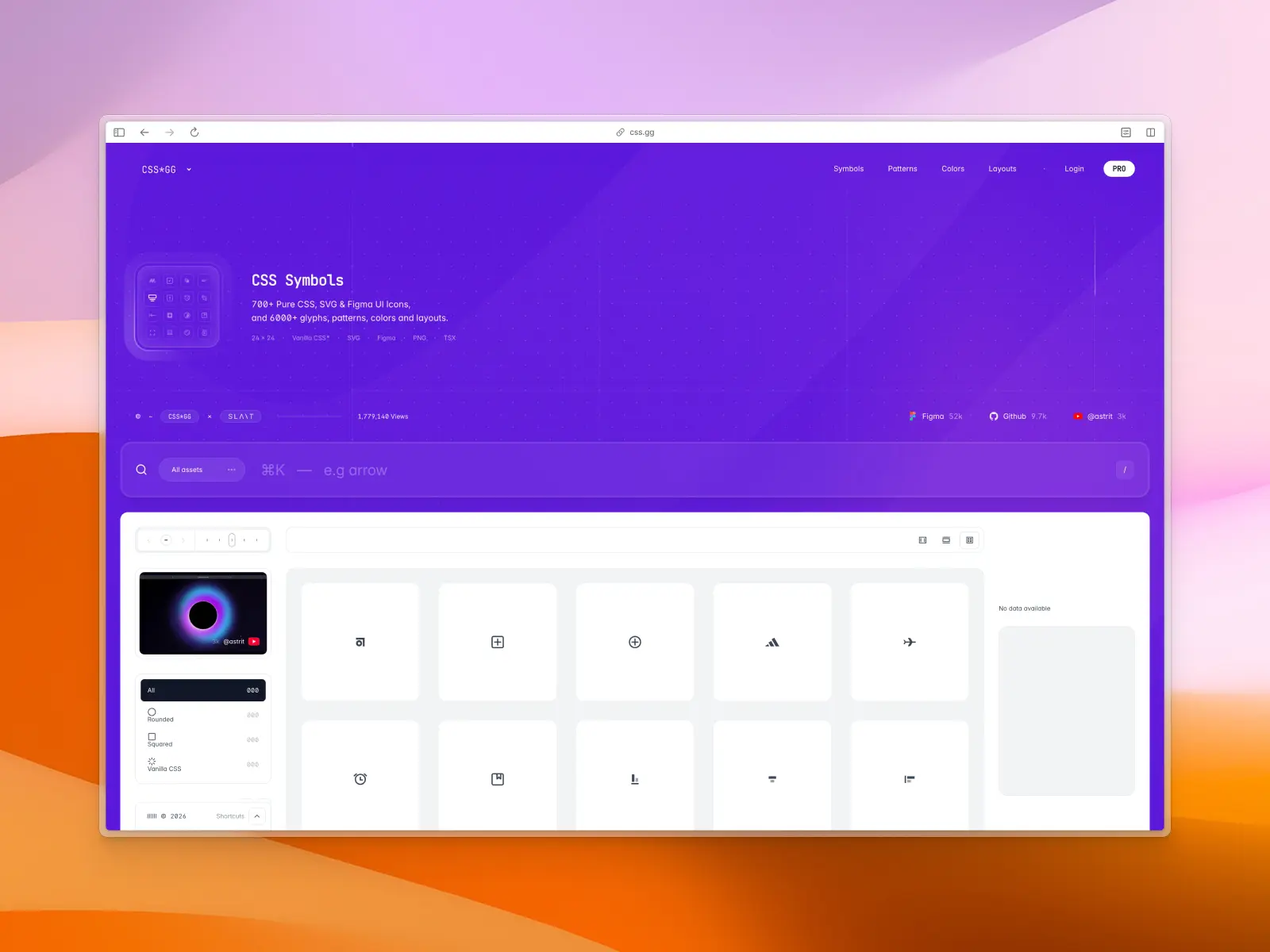
9. css.gg Icons
css.gg — 704 free icons
css.gg is a unique open source icon set that was written entirely in CSS. It was recently created by frontend developer, Astrit Malsija, who also runs a YouTube channel with useful CSS tips.
The icon set is well-organized and consists of 704 free SVG icons, also available as CSS. It has proven incredibly popular and community members have even contributed Figma and Adobe XD files.
You can check out the icon set and preview every icon at css.gg. If you find these useful in your projects, consider donating to the creator here!
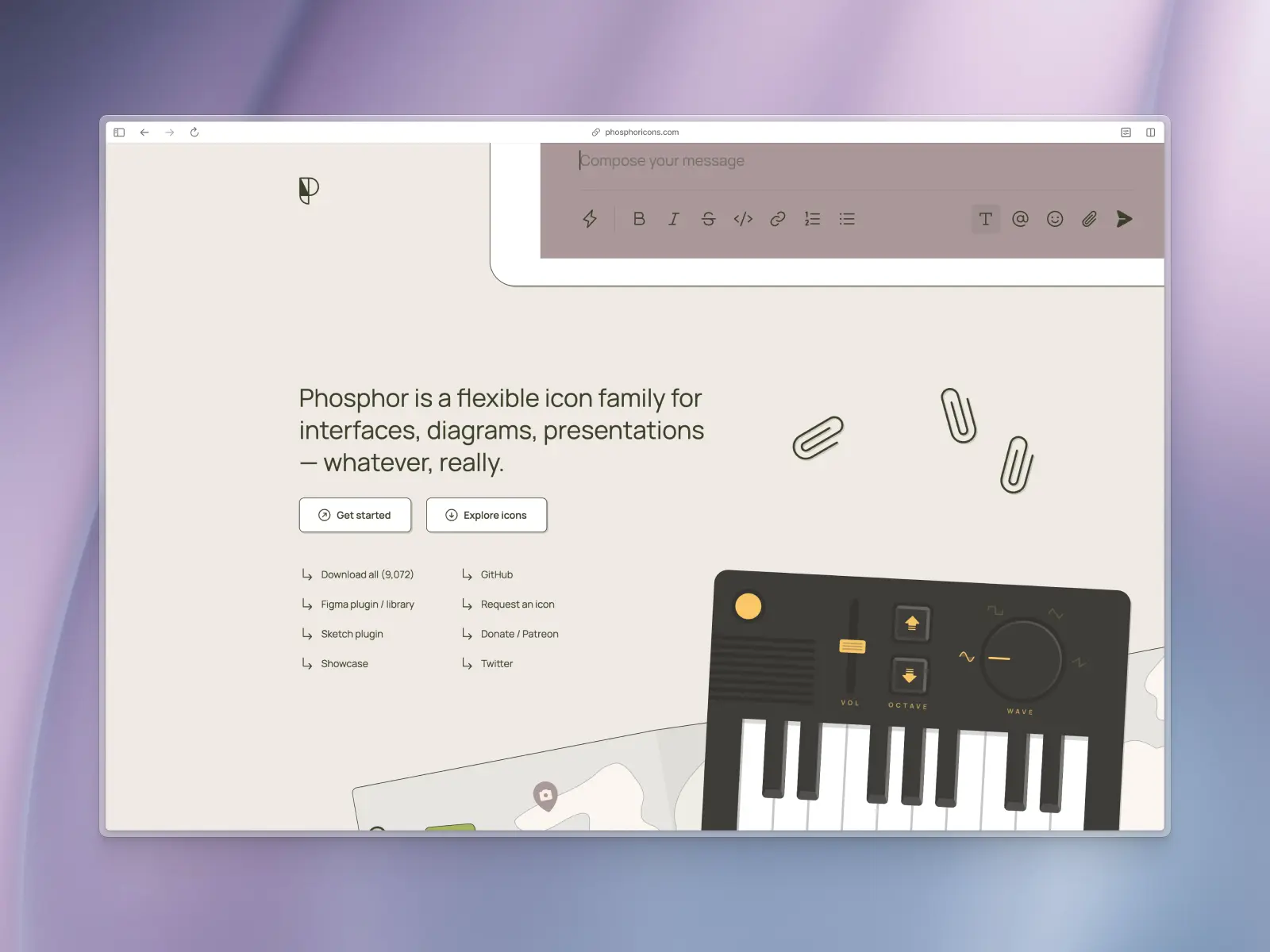
10. Phosphor Icons
Phosphor Icons are a free icon set crafted by Helena Zhang and Tobias Fried. It's a clean, consistent, and huge library of 9,072 icons across 6 different styles—thin, light, regular, bold, fill, and duotone.
phosphoricons.com — 9,072 free icons across 6 styles (1,512 icons per style)
You can download the Phosphor Icons set as individual SVG icons via their website. The team have also released a handy Figma Community file and Figma plugin, as well as a Sketch plugin and npm install.
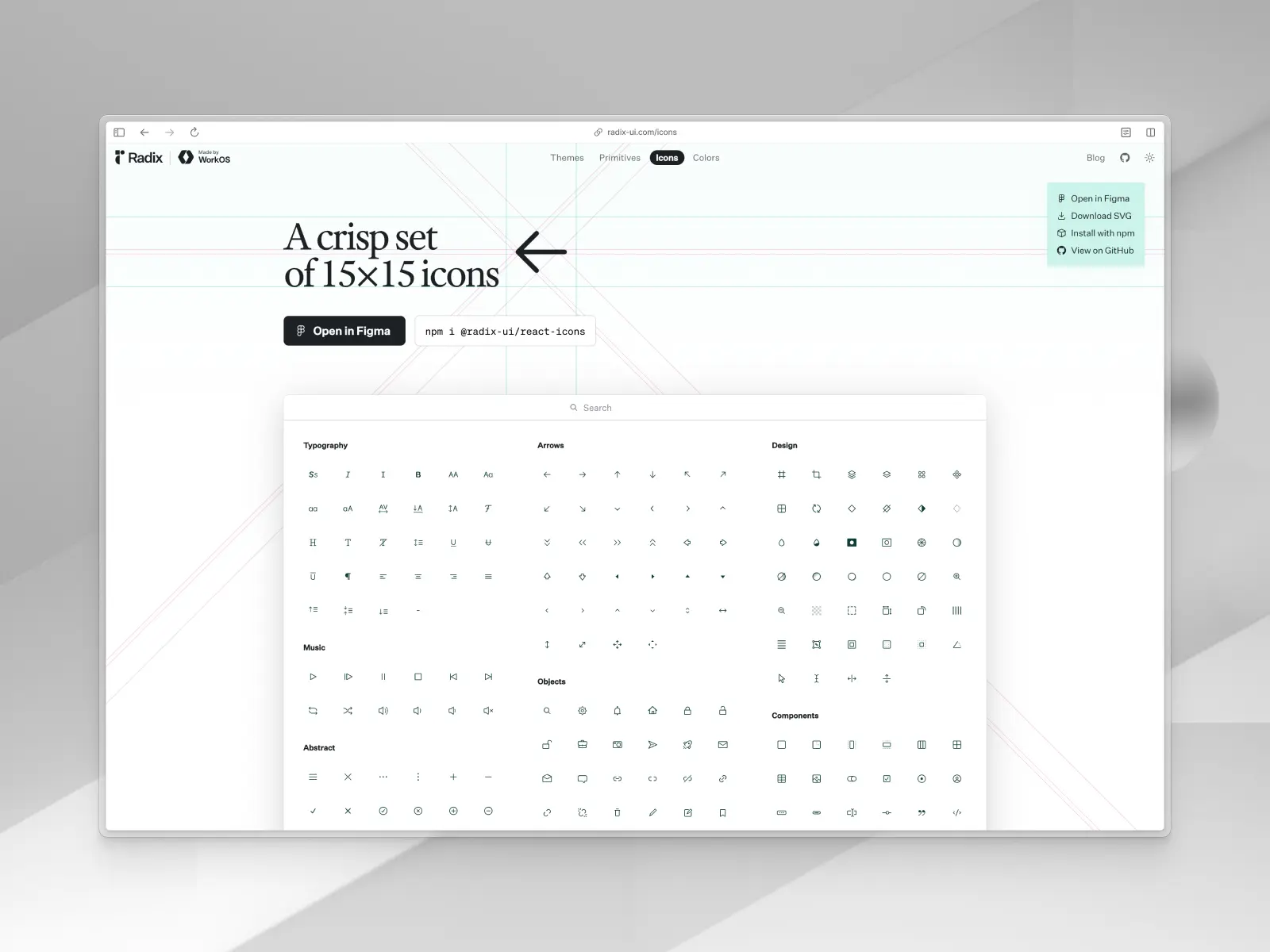
11. Radix Icons
radix-ui.com/icons — 332 free icons
Radix icons are a crisp set of 15×15px icons designed by the team behind WorkOS. They're modern, sharp, and designed to work well at smaller sizes.
Radix icons have been generously open sourced under the MIT License and have picked up 2,700+ stars on GitHub. You can copy SVG icons directly from their website, or download all 332 icons as SVGs, as well as for Figma, Sketch, IconJar. The WorkOS team have also published an npm package for super quick install in development projects.
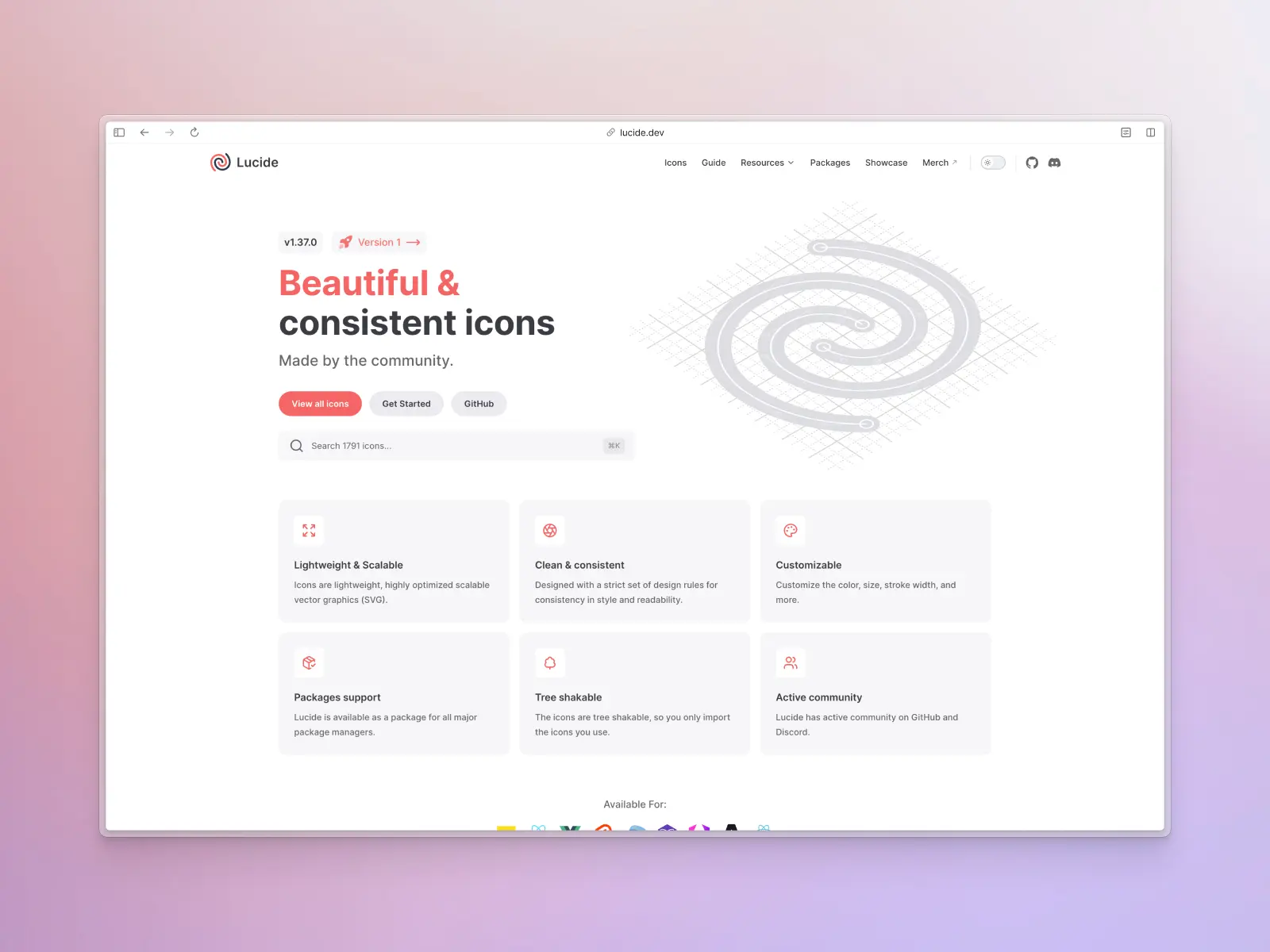
12. Lucide Icons
lucide.dev — 1,857 free icons
Lucid Icons are a beautiful icon library, consistent and modern, and a fork of one of the most popular icon sets, Feather Icons. Just like Feather, Lucide is a 100% open source project that welcomes contributions from the community.
The library consists of 1,857 clean, consistent, and lightweight icons, and has picked up 23,000+ stars on GitHub, with an active community on GitHub and Discord. We love Lucide for the same reasons we love Feather—there is an emphasis on simplicity, consistency, and readability. If you're looking for a lightweight and scalable icon library that will work in almost any project, Lucide Icons are a great option!
The community behind Lucide Icons have also set up packages for almost every framework, so you can install the icon library and use them in development projects immediately.
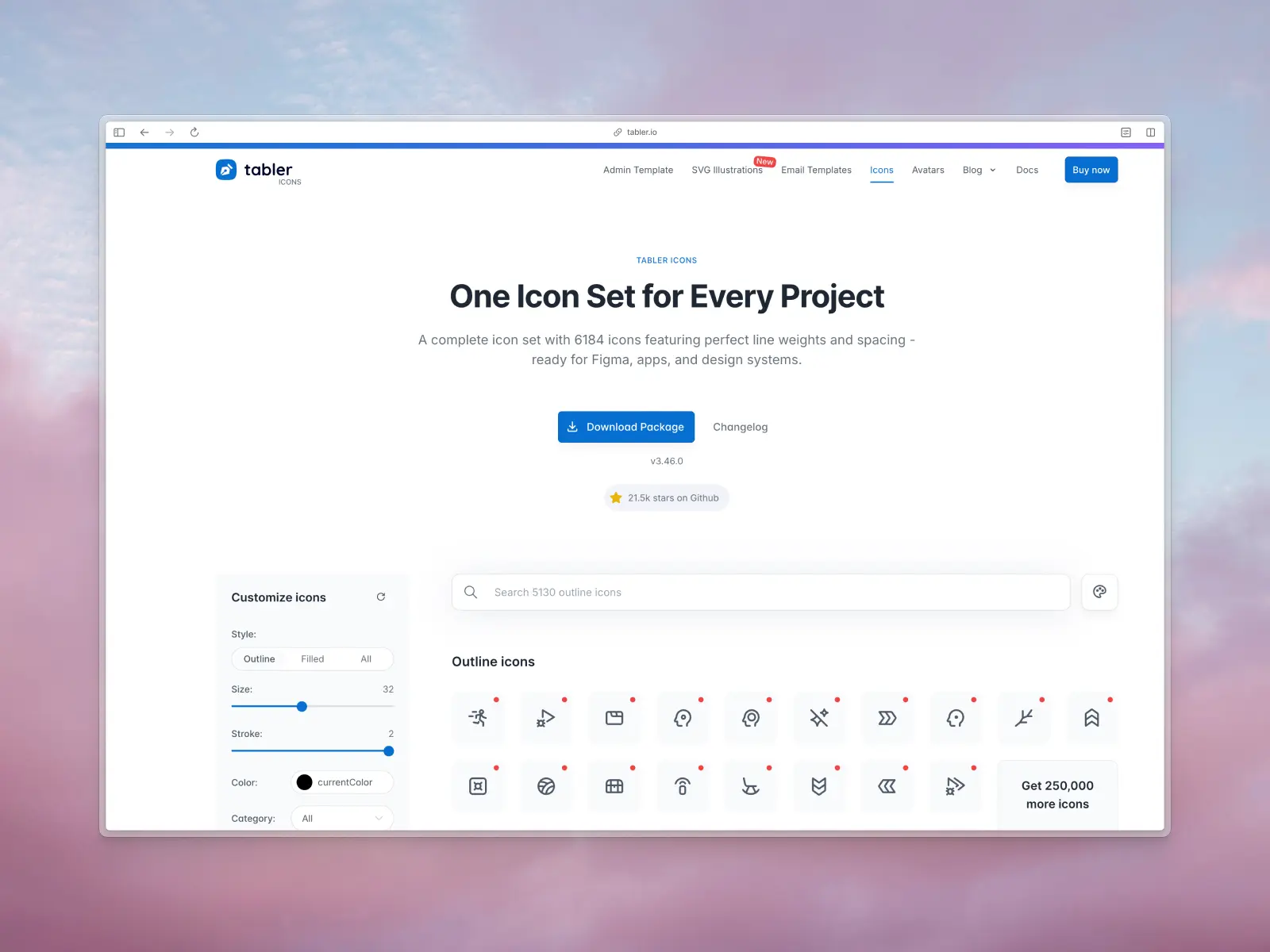
13. Tabler Icons
tabler.io/icons — 6,220 free icons
Tabler Icons are a solid icon set crafted by Web Developer, Paweł Kuna. They're another great example of a simple and well-made icon set that is flexible and large enough to use in just about any project, and one of the more popular icon sets among developers.
The entire icon pack is open source and free to use in designs without attribution. You can even preview how the icons look at different sizes and stroke weights via their website.
Tabler Icons are a free and open source icon set, but you can support the creator by donating on GitHub.
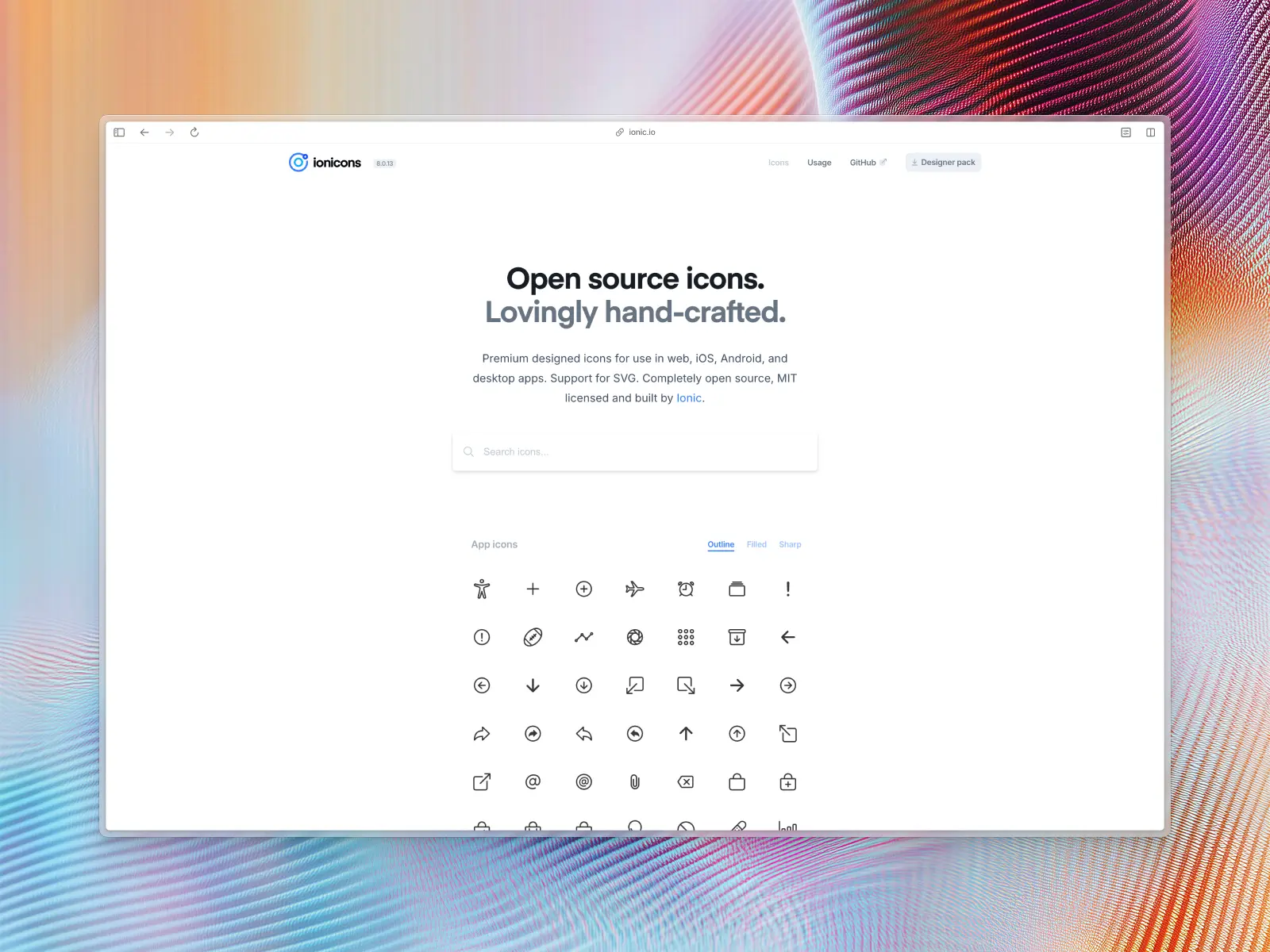
14. Ionicons
ionic.io/ionicons — 1,300+ free icons across 3 styles
Ionicons are an open source and MIT licensed icon set built by the team behind Ionic Framework. This icon set consists of 1,300+ free icons across 3 styles—outline, filled, and sharp. They also include useful social media icons!
You can download the entire library in SVG format as a .zip from.
The Ionic team has also released a useful Figma plugin so you can search for Ionicons right from inside Figma.
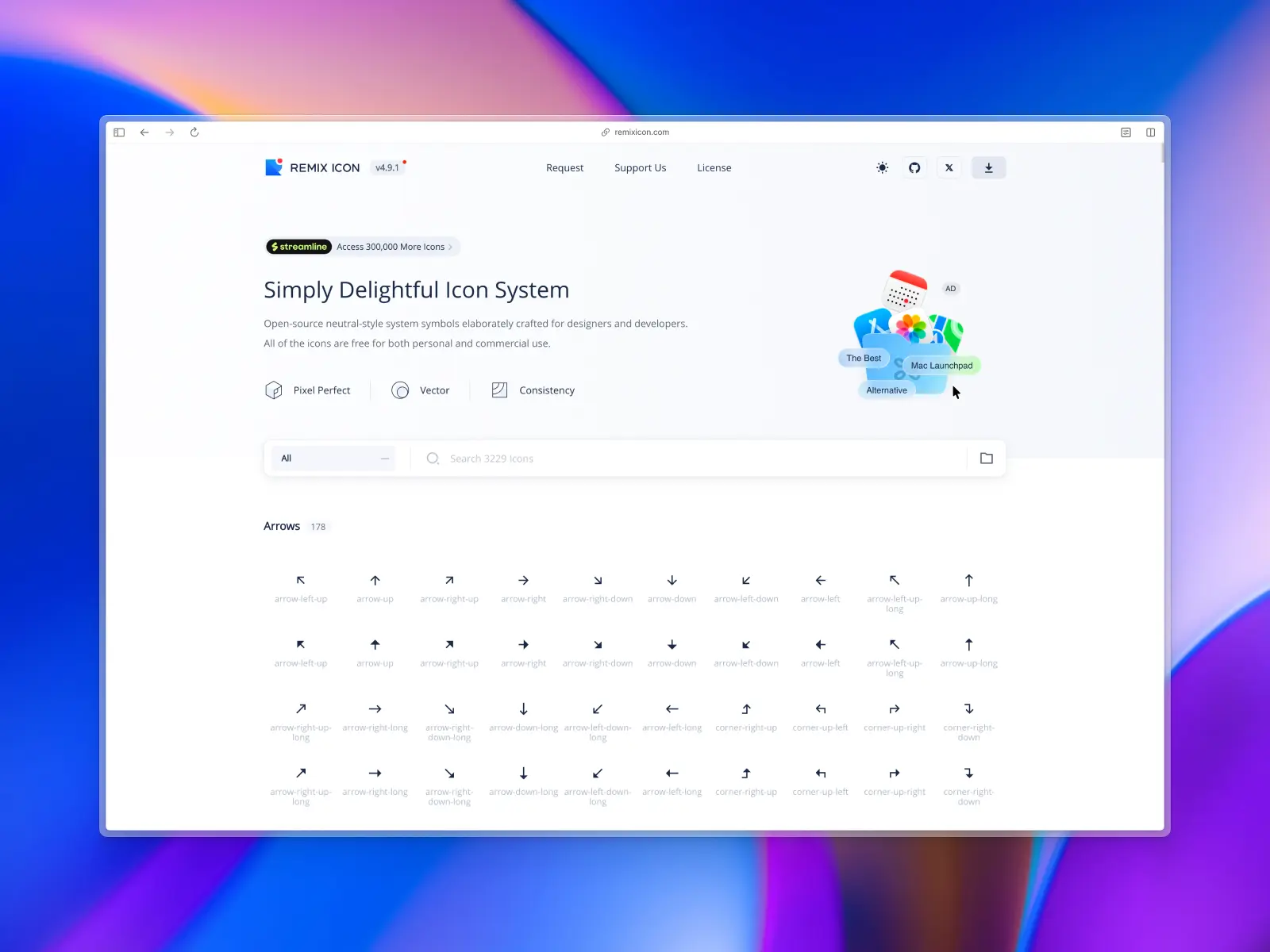
15. Remix Icon
remixicon.com — 3,200+ free icons across 2 styles (1,600 icons per style)
Remix Icon is a set of 3,200+ neutral icons across 2 styles—line and solid.
This free icon pack is maintained by Remix Design duo, Jimmy Cheung and Wendy Gao. They've generously made this icon library open source, which means the icon pack is 100% free to use for both personal and commercial use. If you find it useful, please consider contributing to the project via the Donate link on their website!
Free download this icon pack via their website as a single .zip containing SVG files, as an icon font, or even as an NPM install.
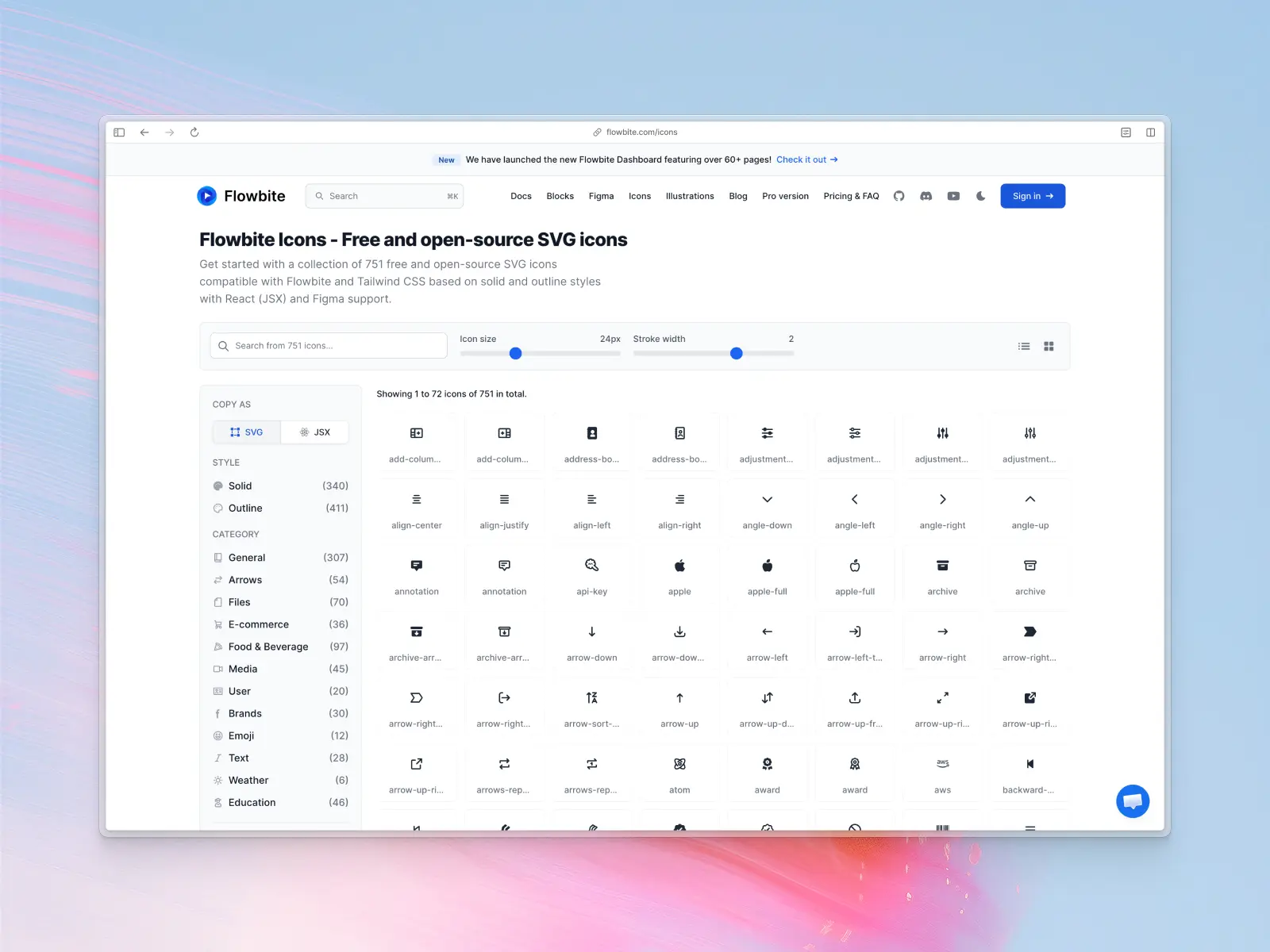
16. Flowbite Icons
flowbite.com/icons — 751 free icons across 2 styles
Flowbite Icons 751 free and open-source SVG icons available in two styles—solid and outline. While it's one of the smaller libraries on this list, it's well-made and consistent.
Flowbite Icons are designed by Evelyne Krall & Robert Tanislav and interface coded by Zoltán Szőgyényi. They're designed to be specifically compatible with Flowbite's own libraries and Tailwind CSS with React (JSX) and Figma support.
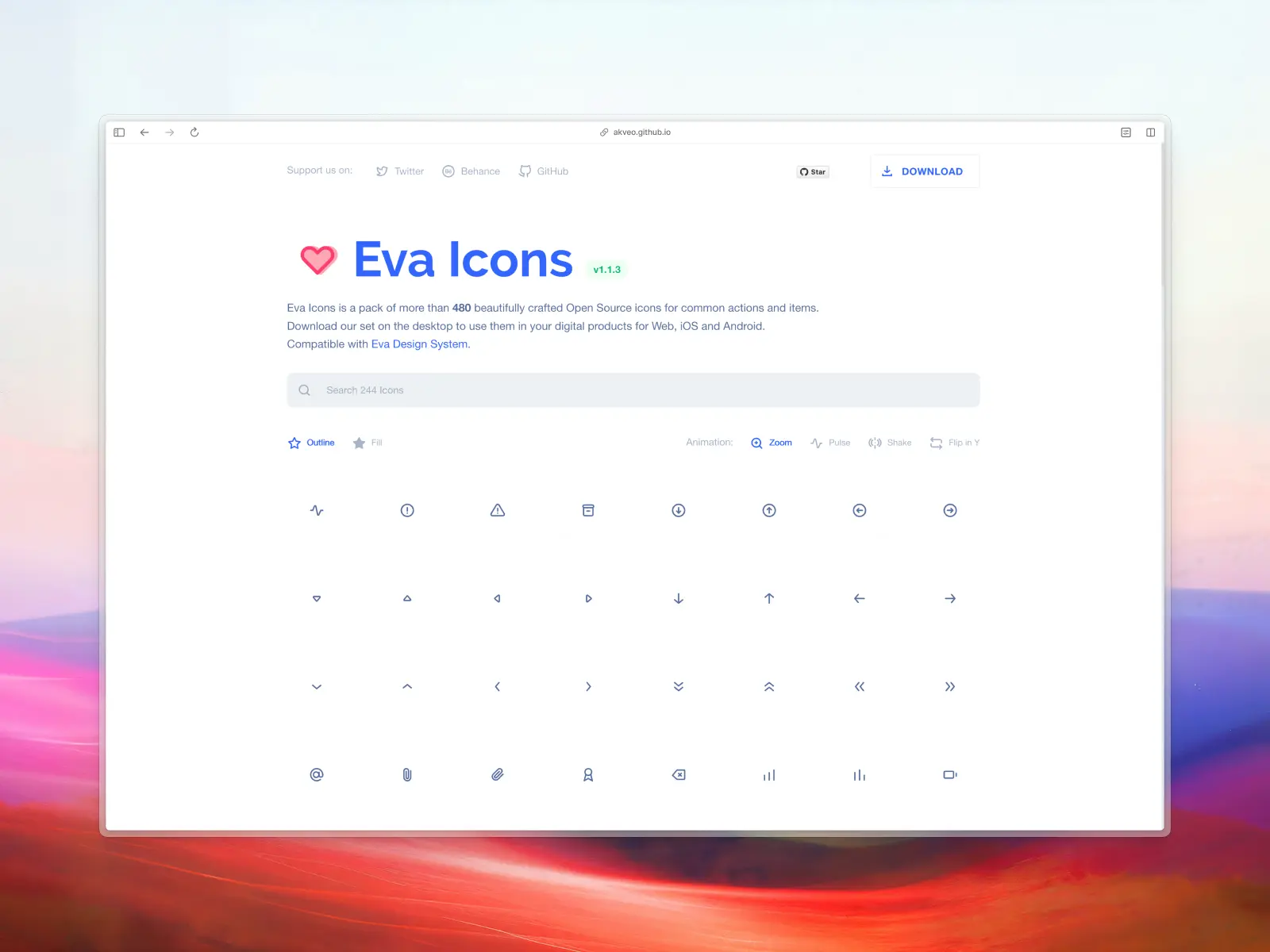
17. Eva Icons
akveo.github.io/eva-icons — 480 free icons across 2 styles (240 per style)
Crafted by Akveo and the team behind Eva Design Assets, Eva Icons is a small but tidy icon library — 480 beautifully crafted open-source icons in SVG and PNG file formats. Proof that a small set can still ship beautiful icons without needing thousands of options. They've also included both a Figma and Sketch library.
There are two main outlined and filled styles. We love them because they're super clean and minimal. However, it's important to note that these icons have been converted to outlines. This means that you won't be able to customize stroke weight or corners etc.
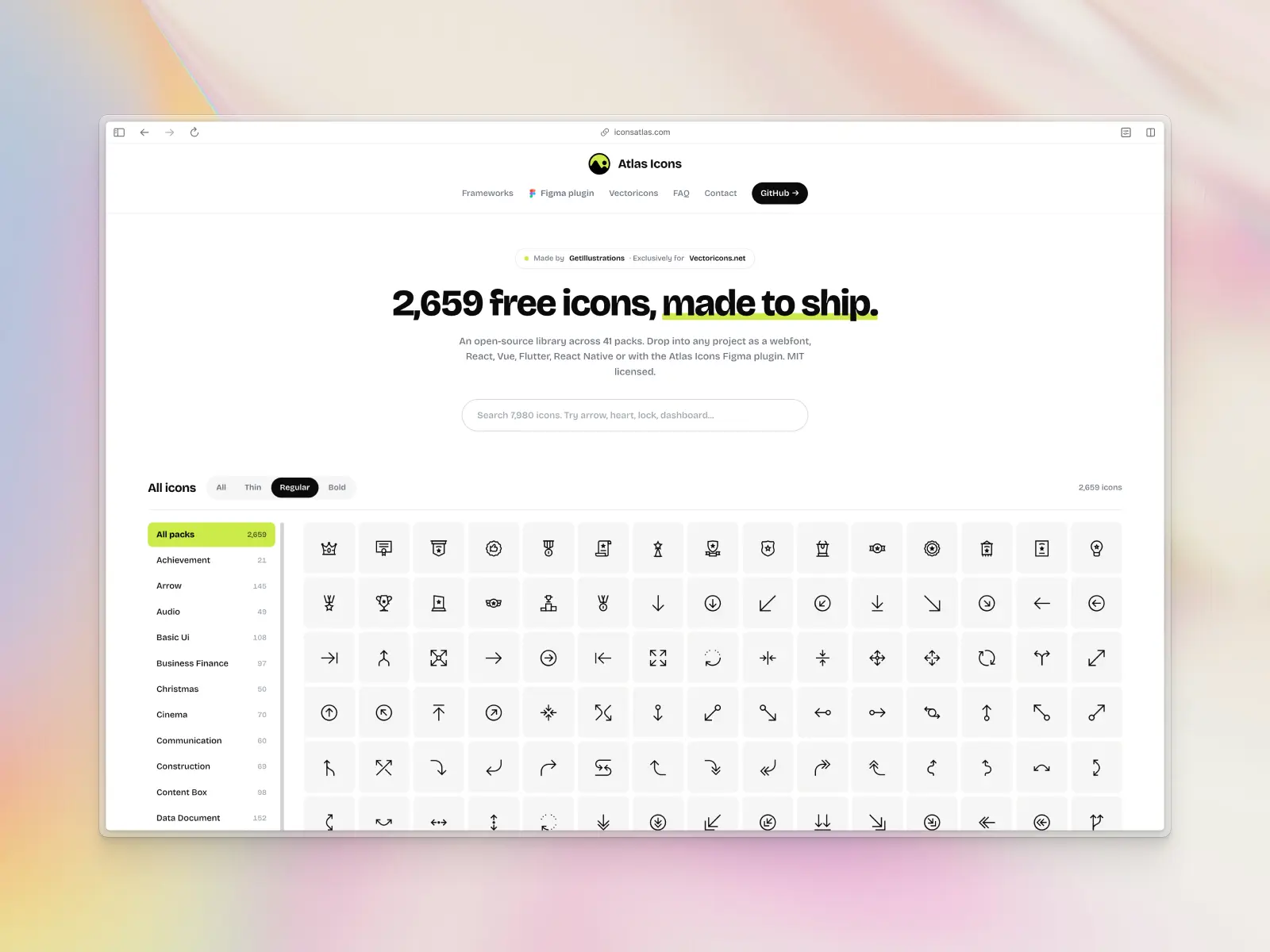
18. Atlas Icons
iconsatlas.com — 7,980 free icons across 3 styles (2,660 per style)
Atlas Icons is a free and open-source library, licensed under MIT, created by GetIllustrations for Vectoricons.net. It includes 2,660 hand-crafted designs across 41 packs, each available in three stroke weights — thin, regular, and bold — for 7,980 icons in total.
Note: the old atlasicons.vectopus.com URL no longer resolves — the project has moved to iconsatlas.com, updated above.
19. MingCute Icons
mingcute.com — 3,326 free icons across 2 styles (1,663 per style)
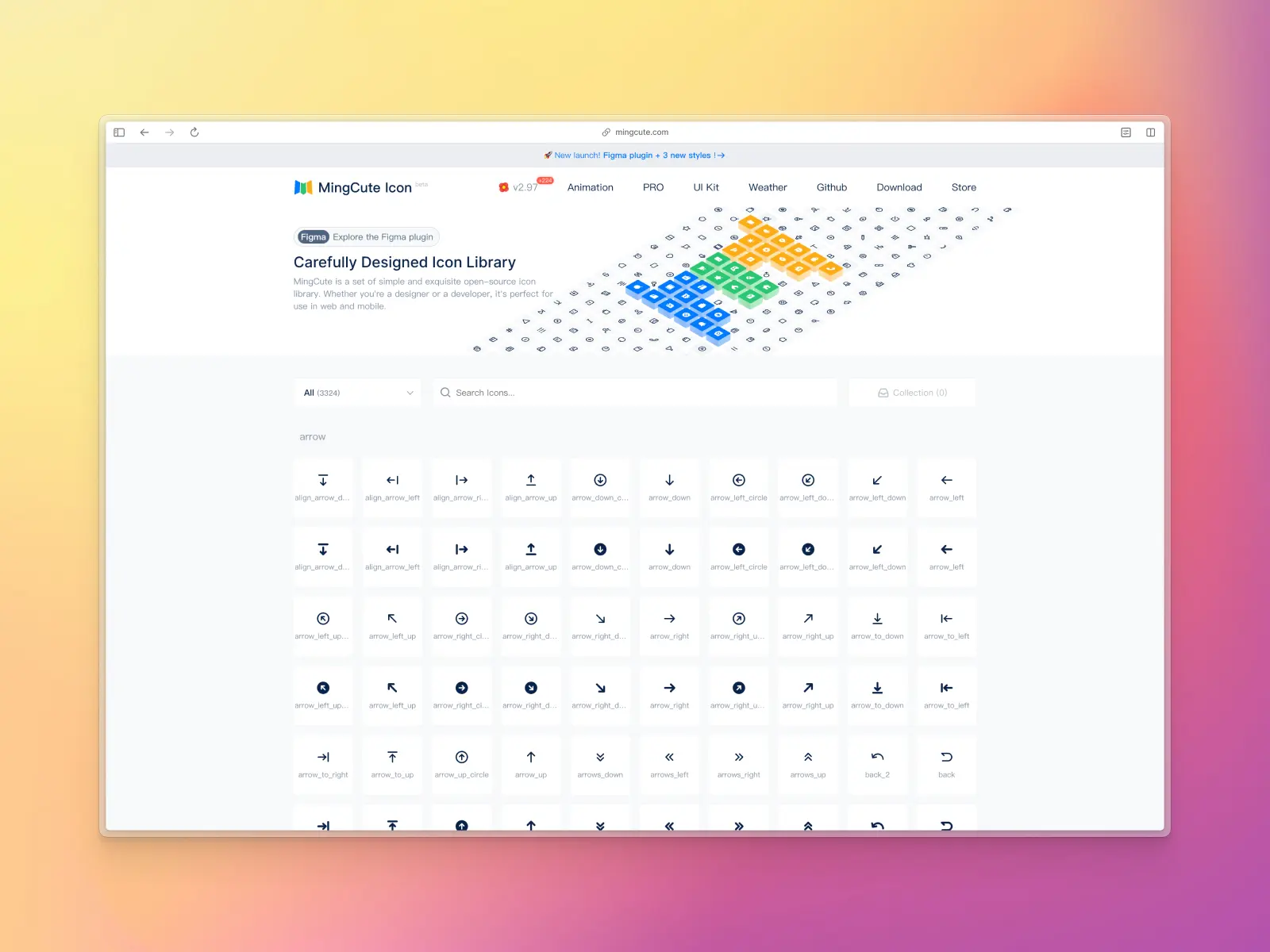
MingCute is a set of simple open-source icons created by Richard. The icon library includes a total of 3,326 icons across two styles, outline and filled, and arranged neatly into categories.
You can download the entire library as a .zip file from their website. This includes individual SVG icons exported into category files, as well as icon font files. MingCute do have a Figma file available on Figma Community, but it appears it isn't kept up-to-date with new releases to the icon library.
20. Tetrisly Icons
tetrisly.gumroad.com — 260+ free icons
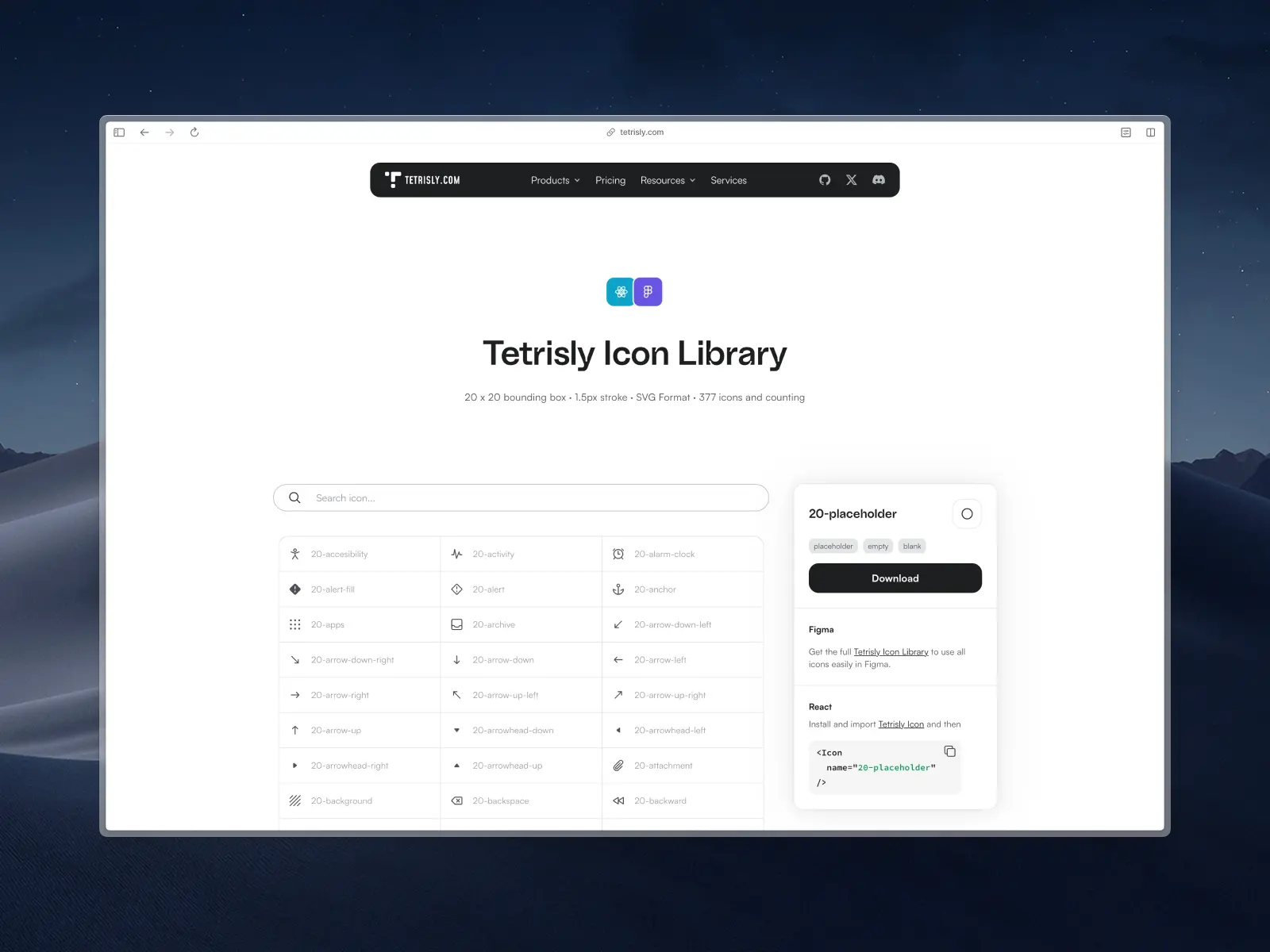
Tetrisly Icons are a free icon set crafted by the team behind Tetrisly. This icon pack is unique because the Tetrisly team opted for 20px as the default icon size, where most icon sets choose 24px or 16px.
This icon set is 100% free for personal and commercial use under the Creative Commons License — safe for freelance, agency, and in-house commercial projects alike. You can free download the icon set via their Gumroad page (link above), which includes SVG format, Figma, and Sketch files.
21. Doodle Icons
khushmeen.com/icons — 400+ free icons
There are hundreds of free icon sets on Figma Community but one that really stood out for us was Doodle Icons by Khushmeen Sidhu.
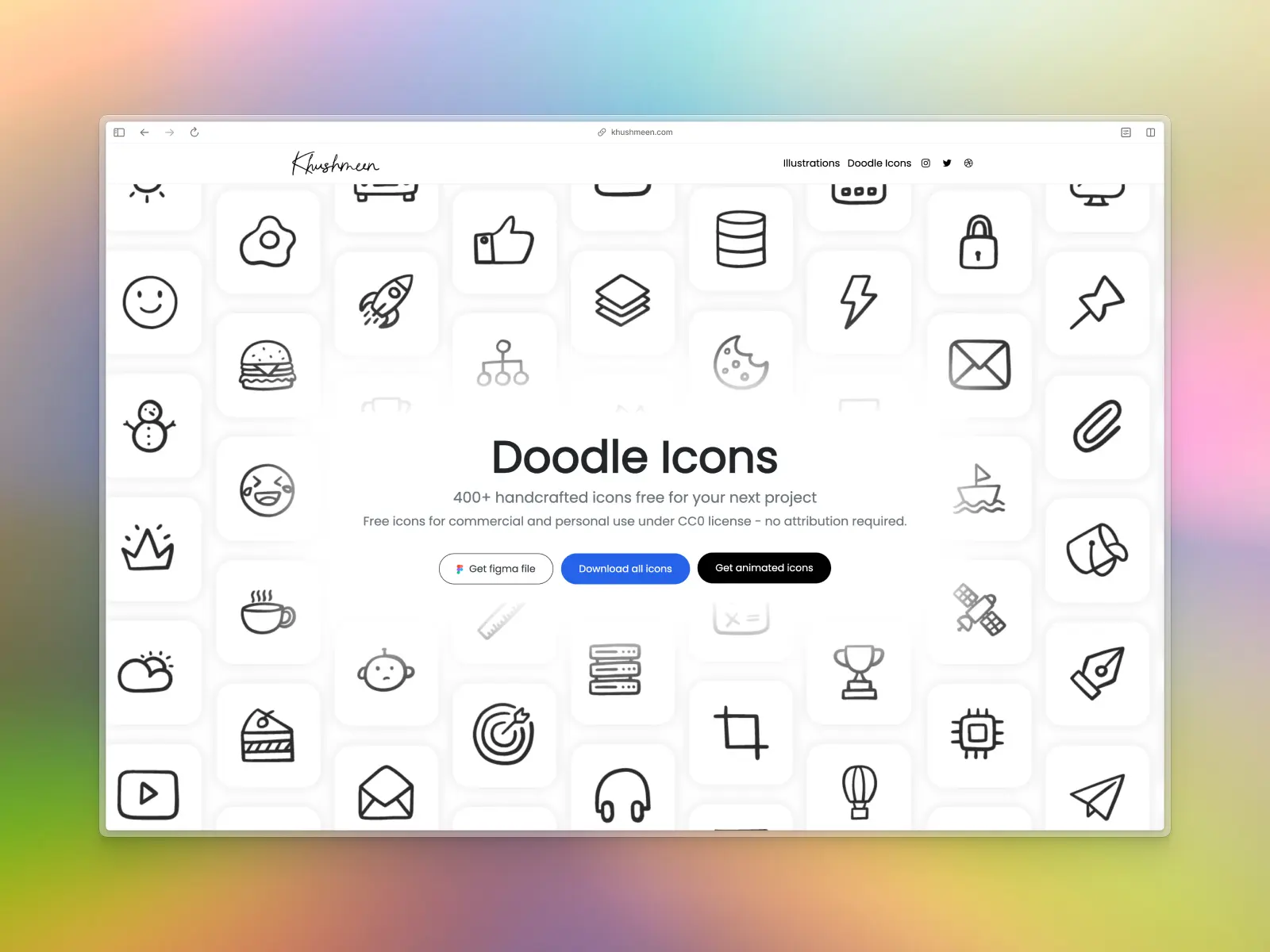
Doodle Icons comes with 400+ handcrafted icons and is 100% free to use for commercial and personal projects under the Creative Commons License. What makes this icon set stand out from every other library on this list is its unique hand-drawn style. While it might not be suitable for every project, it's a great way to differentiate designs and add a splash of personality to more creative and fun projects.
You can download the entire library as SVG icons, PNGs, as well as a Figma library via their website.
22. Solar Icons
solar-icons.vercel.app — 8,700+ free icons across 6 styles (1,451 icons per style)
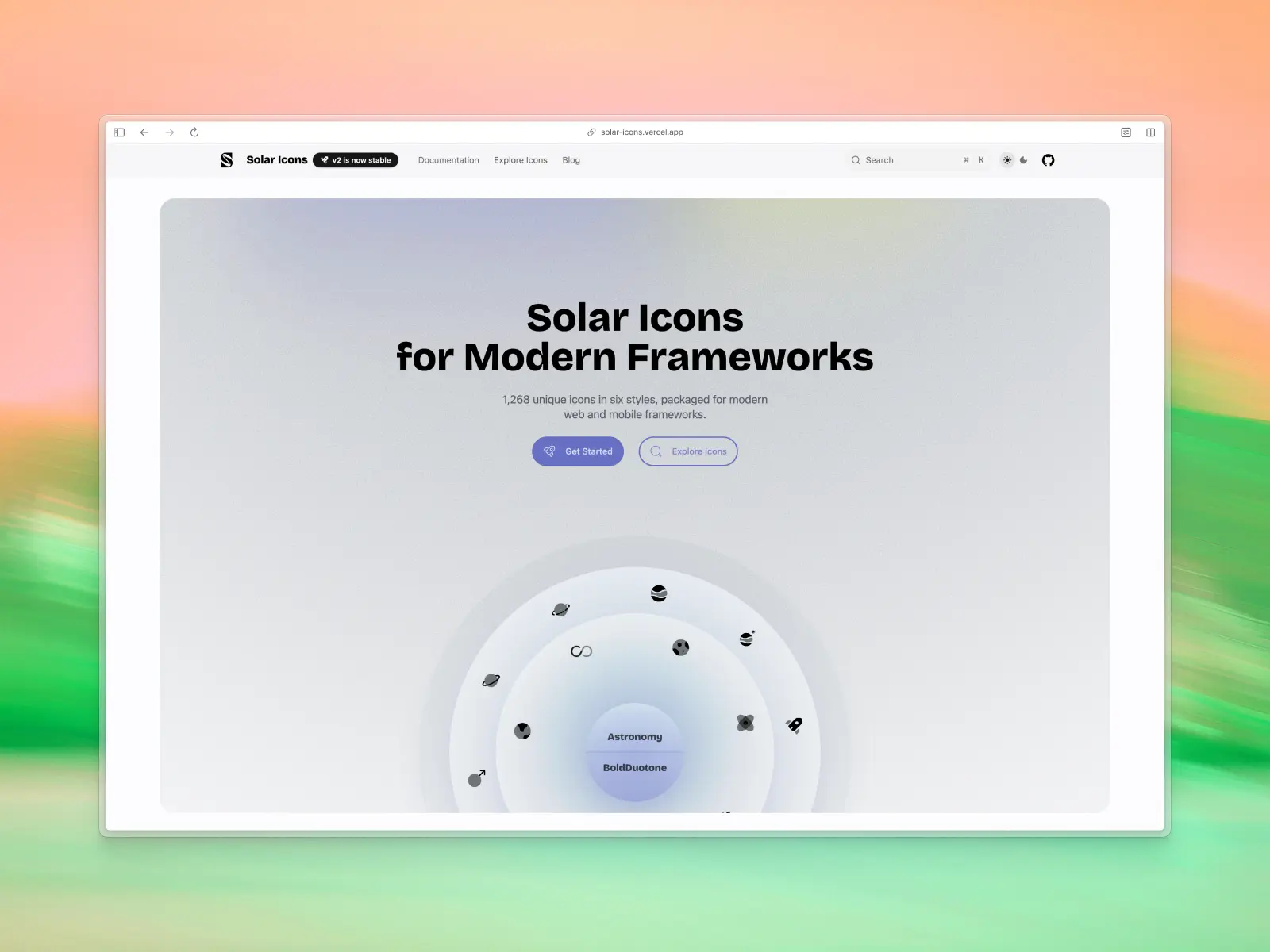
Solar Icons is one of the largest single-brand icon sets we've come across, designed by 480 Design. It ships in six distinct styles — Outline, Bold, Broken, Line Duotone, Bold Duotone, and Linear — all built on the same underlying grid, so you can switch styles without breaking your layout.
One thing to flag: Solar Icons is released under a Creative Commons Attribution license (CC BY 4.0), not MIT. That means it's genuinely free for commercial use, but the license does require a visible credit back to the creator — worth checking your project allows that before you commit, unlike the MIT-licensed sets elsewhere on this list.
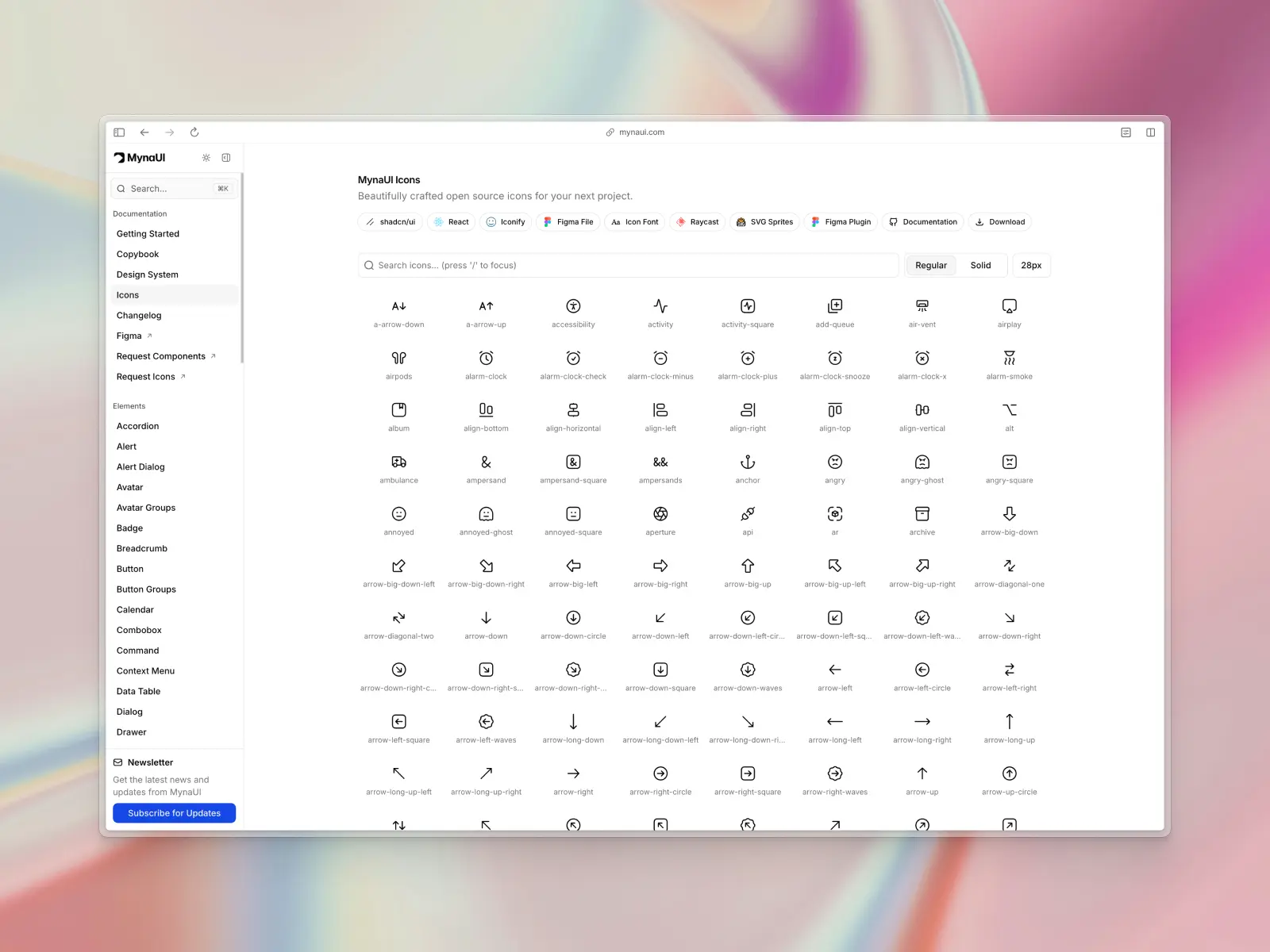
23. MynaUI Icons
mynaui.com/icons — 2,620+ free icons across 2 styles (regular and solid)
MynaUI Icons is a newer, actively-developed MIT-licensed icon set that's picked up a following in the shadcn/ui and Tailwind community. It's not the biggest library on this list, but it's clean, consistent, and ships with dedicated React and Figma packages, plus a Raycast extension for quick access.
Because it's a smaller, younger project than most of the libraries above, it's worth previewing the full set on mynaui.com first to confirm it covers everything your project needs before you build it in. It also ships new icons regularly and is proof you don't need a massive library to get beautiful icons.
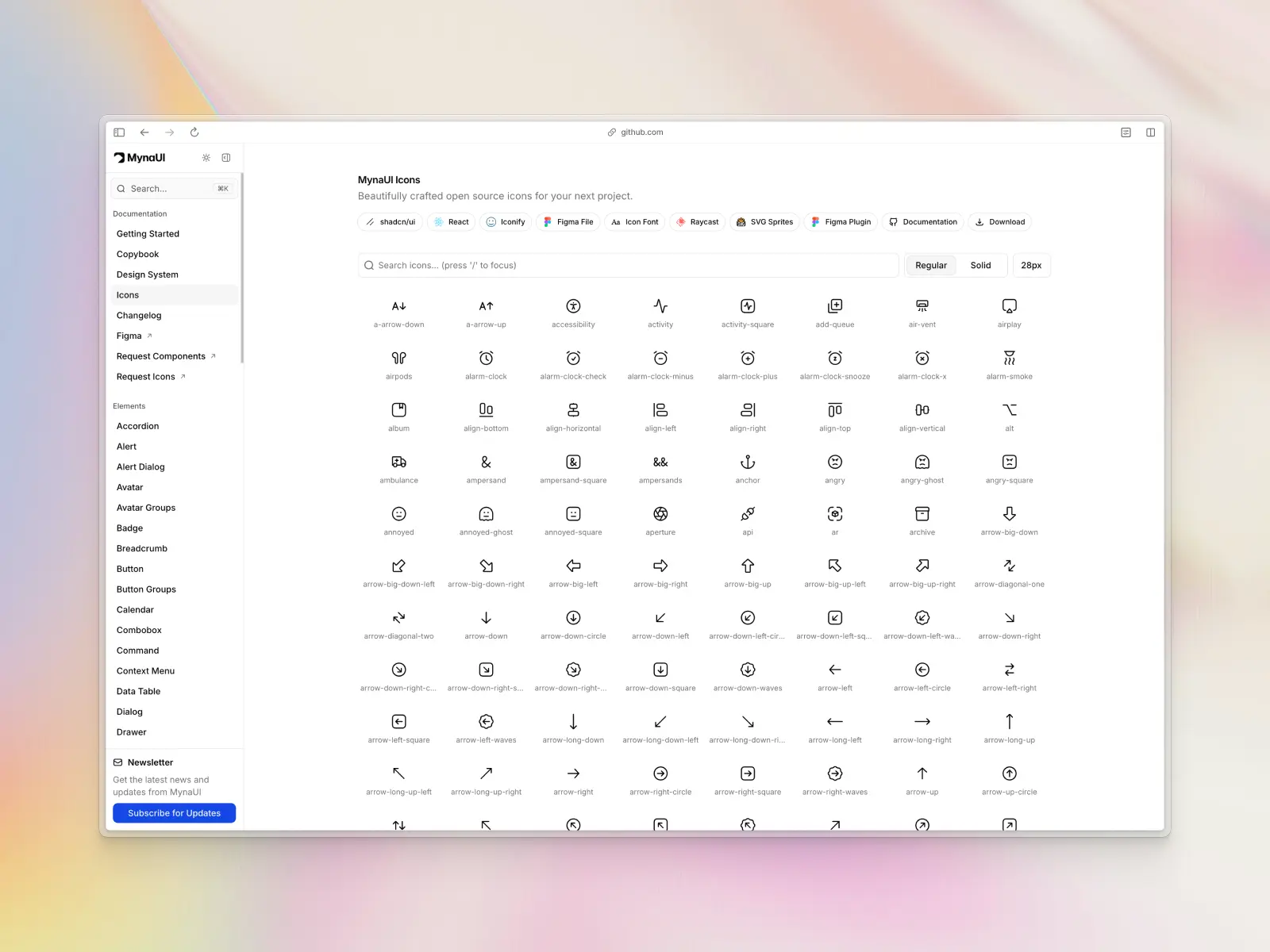
24. Fluent System Icons
github.com/microsoft/fluentui-system-icons — 1,000+ free icons across 2 styles (regular and filled)
Fluent System Icons is Microsoft's official icon library for its Fluent 2 design system, maintained directly by Microsoft and used across Windows, Microsoft 365, and Teams.
Icons ship in Regular and Filled themes across multiple pixel sizes, released under the MIT license, with native packages for SVG, React (@fluentui/react-icons on npm), Android, and iOS — one of the few free sets that's genuinely production-ready across both design and code.
You can browse the full set and grab the Figma Community file or explore the GitHub repo directly.
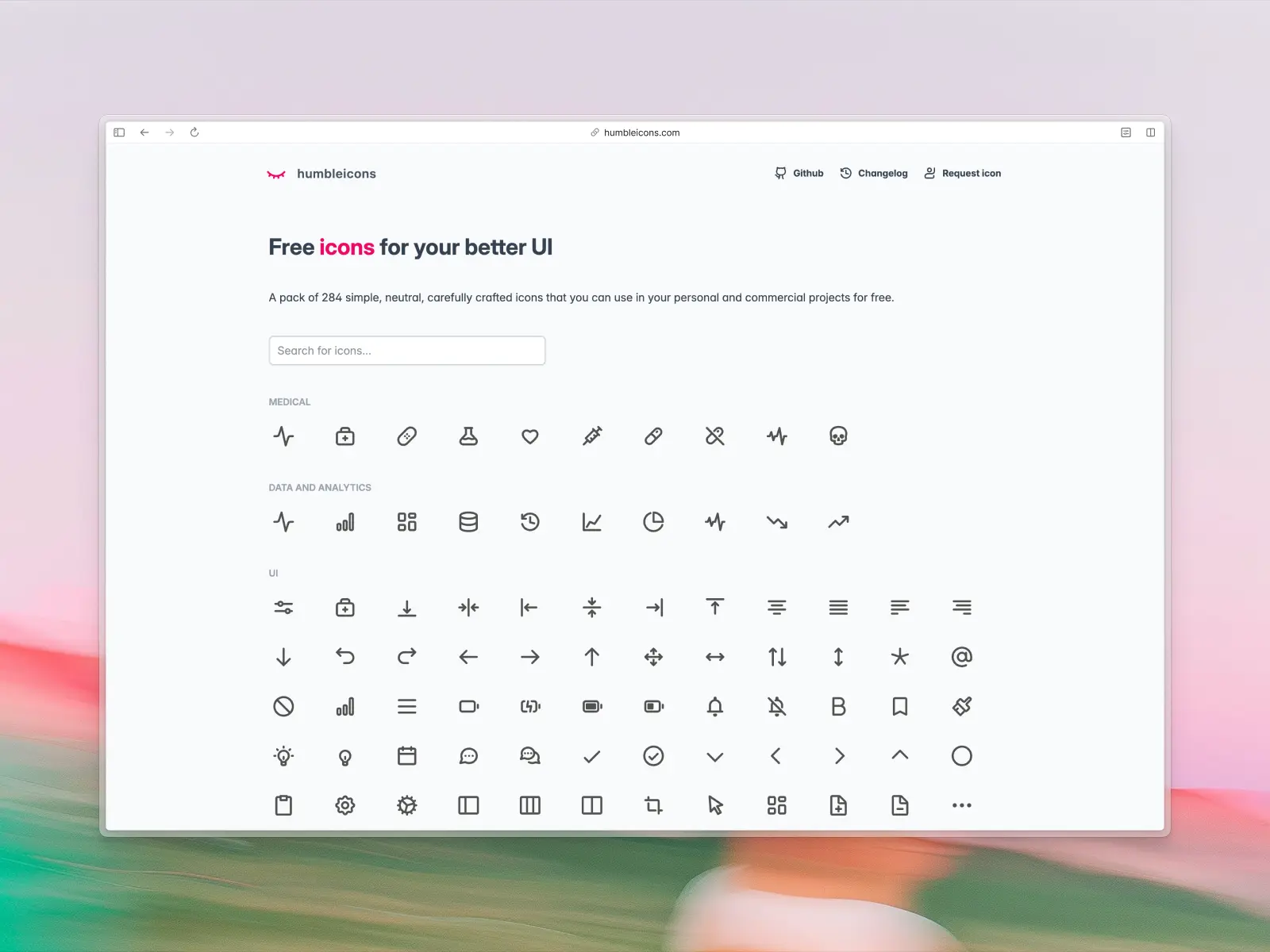
25. Humbleicons
humbleicons.com — 284 free icons
Humbleicons is a small, hand-crafted set of neutral stroke SVG icons across 26 categories, released under the MIT license for personal and commercial use.
It's nowhere near the biggest library on this list, but its minimal, consistent stroke style makes it a solid pick for clean, modern interfaces where a huge multi-style library would be overkill. It's also published to npm (humbleicons) for easy install into a codebase.
We left some notable names off this list
As we mentioned, this isn't an exhaustive list. We've carefully curated what we believe to be the best free icon sets available today. Many "best free icon sets" lists like these simply add in as many icon sets as possible to appease Google, but we found the majority of these were low quality or outdated.
You may have noticed our list also didn't include some of the most popular free icon sets in the world such as Material Icons and Bootstrap. Here are some notable mentions that we didn't include in our list:
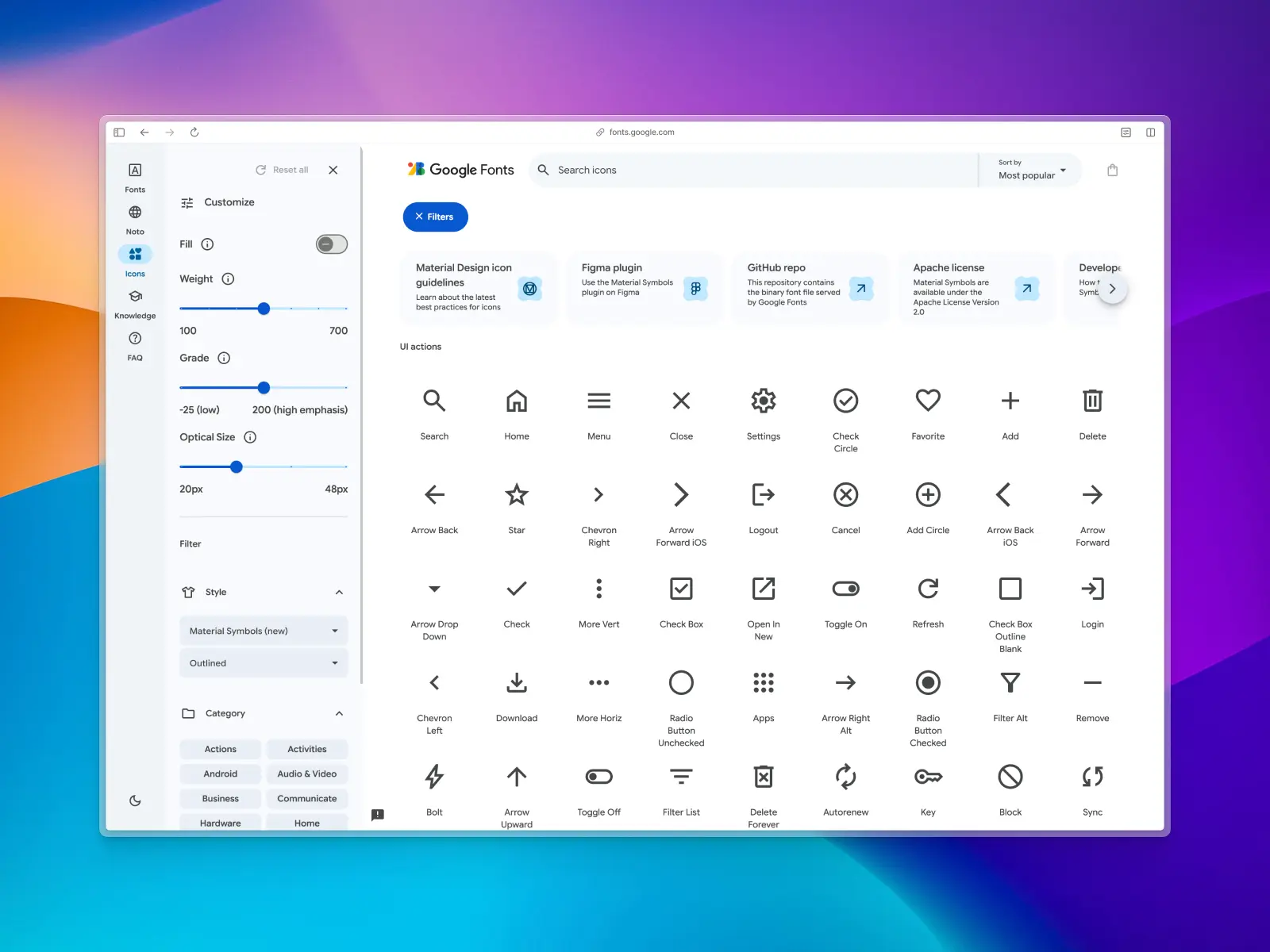
Material Icons
fonts.google.com/icons — 2,500+ free icons
Material Icons Library is a free icon set by Google for the Material Design system. This icon set is 100% open source under the Apache License Version 2.0.
Material Design icon sets are available in five different themes—filled, outlined, rounded, two-tone, and sharp—and are one of the most popular icon sets in the world. Google has also recently released an official Material Symbols Figma plugin.
We haven't included Material Design Icons in this list for subjective reasons. In our opinion, Material Icons are starting to look a little dated for modern UI design. Perhaps it's their distinctive sharp edges or the fact that we've seen them everywhere for years now. It's an awesome resource but didn't make our list for this reason.
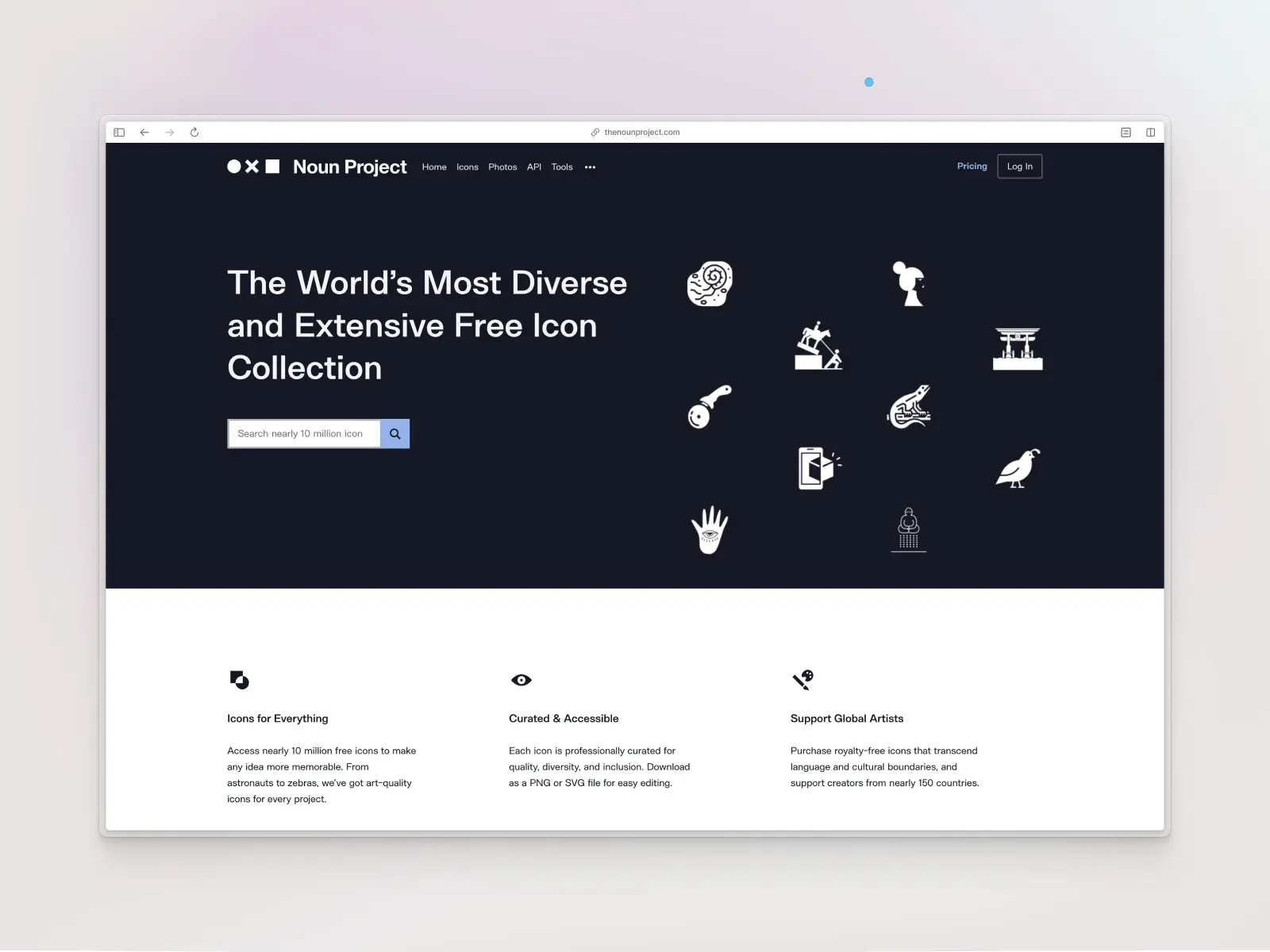
The Noun Project
thenounproject.com — 3 million free icons
You read that right! The Noun Project is a collection of more than 3 million icons. You'll find anything you can think of here—app icons, website icons, social media icons, and even illustrations. Launched in 2011, this site is updated daily with icons created by thousands of designers and developers around the world.
While this is an incredible resource, we haven't included it in this list of free icon sets for two main reasons:
- To use icons from The Noun Project, you're required to add a link back to The Noun Project if you do not have a paid membership. For this reason, we don't regard The Noun Project as a free library as the free version explicitly requires attribution.
- Any icon set at this scale will inevitably lead to inconsistencies. Thousands of creators from 130+ countries contribute to this project, which means many slightly different styles. You don't need 3 million icons—for modern design, particularly UI design, we suggest opting for smaller, carefully-crafted icon sets that are consistent and optically balanced relative to each other.
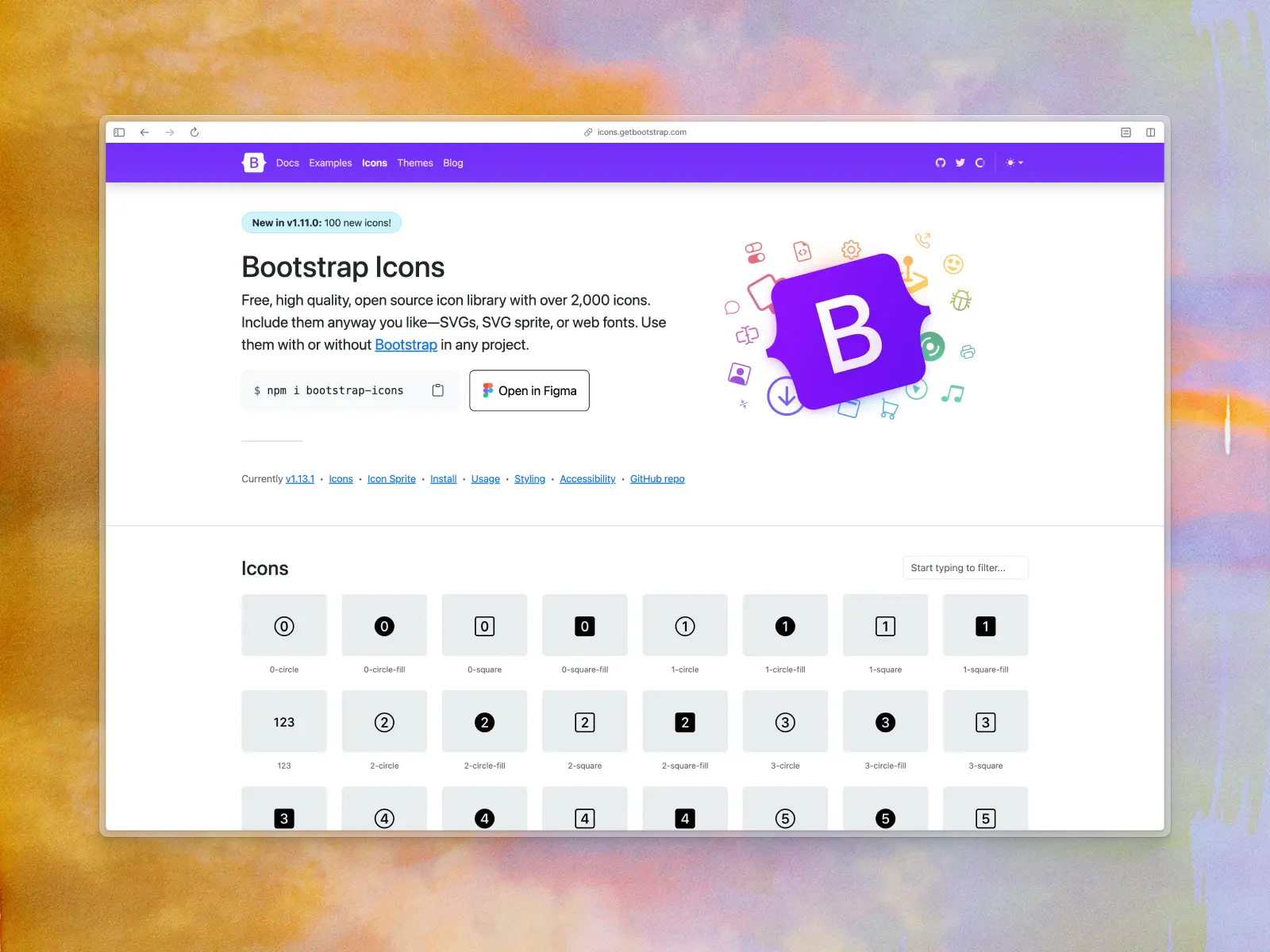
Bootstrap Icons
icons.getbootstrap.com — 2,000+ free icons
Bootstrap Icons are one of the most popular open source icon sets in the world. With 2,000+ icons in line and fill styles, Bootstrap Icons are designed specifically for Bootstrap’s components and documentation.
Similar to Material Icons, we have omitted this icon set from our list for subjective reasons. It's a fantastic resource for designers and developers who use Bootstrap, but we believe they're starting to look a little dated. Many of their core icons have striking inconsistencies in stroke weight and optical balance. For this reason, we haven't included it in this list.
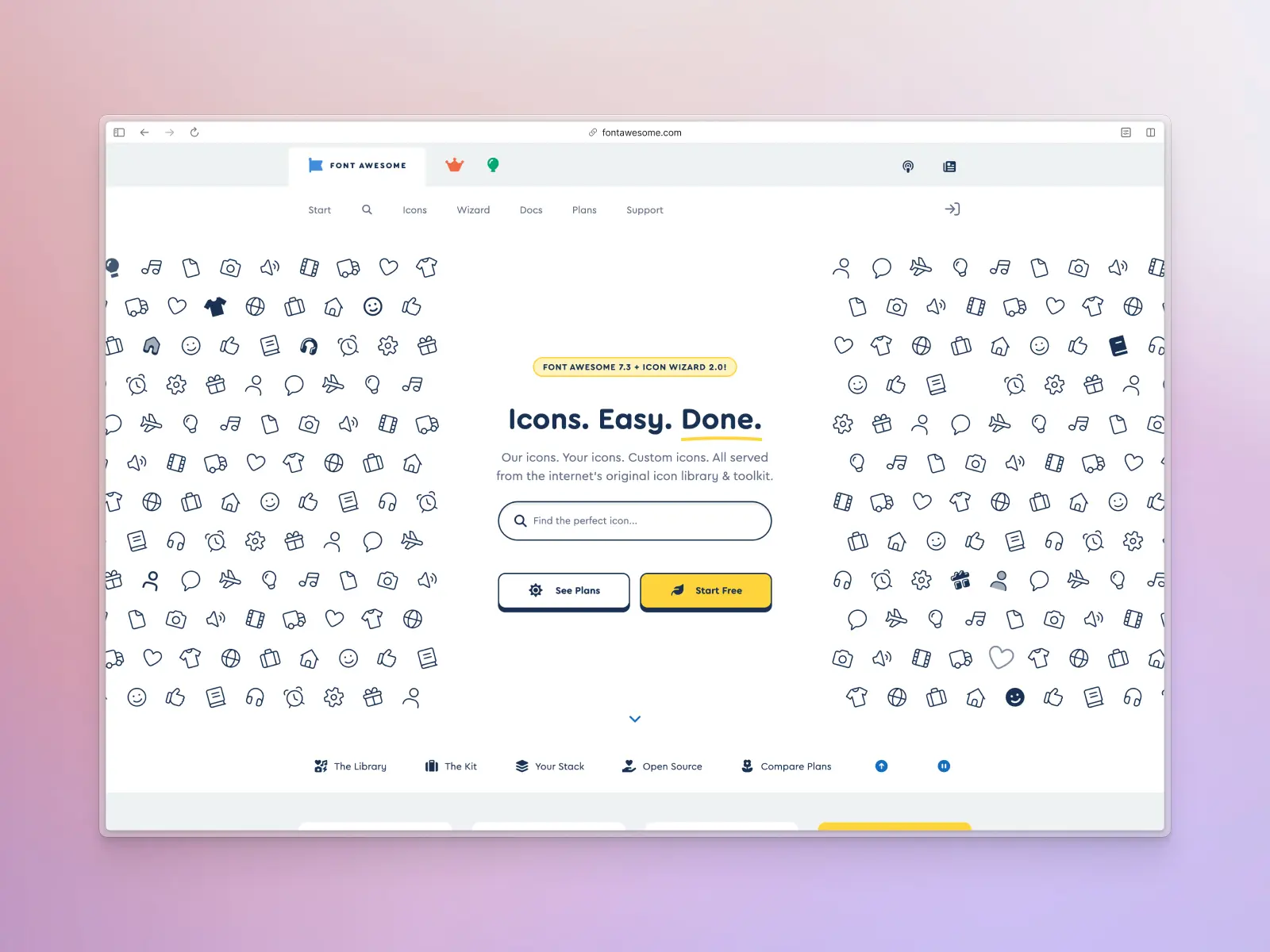
Font Awesome Icons
fontawesome.com — 1,700+ free icons
Font Awesome Icons are one of the oldest and most popular icon sets in the world, used by millions of designers, developers, and content creators. Originally developed in 2012, it was designed for Bootstrap but evolved into its own icon set.
You've probably heard of Font Awesome before, and if you haven't, you've definitely seen these icons on the web. It remains one of the most widely embedded icon libraries on the internet, used across a huge share of sites that rely on third-party icon fonts.
Their free library includes 1,700+ free vector icons across multiple styles. They also have a paid premium plan that includes 30,000+ icons with faster loading and technical support. The free version caps out well below that, so check it covers what you need before you build around it. It's important to note that the free plan only includes up to 10,000 pageviews per month on sites using Font Awesome Kits which you'll hit very quickly.
Despite Font Awesome's incredible size, you likely won't need such a huge icon set for projects. If you've used Font Awesome before and it works for you, that's great! If not, we recommend checking out some of the newer and more modern icon sets in this list.

Are free icon sets actually free for commercial use?
Mostly, yes — but "free" covers a wide range of actual terms, and it's worth checking before you ship a client project or paid product on top of one:
- MIT and Apache-licensed sets (most of this list, including Untitled UI Icons, Feather, Majesticons, Heroicons, Radix, Ionicons, and Atlas Icons) can be used in unlimited personal and commercial projects, dropped into development projects with zero licensing friction, modified freely, and require no attribution or credit link.
- Creative Commons sets (Tetrisly, Doodle, and Solar Icons on this list) are also free for commercial use, but CC BY-licensed sets specifically require a visible credit back to the creator — read the exact license on each site rather than assuming.
- "Free" tiers of paid libraries (like Unicons or Iconizer here) are usually free forever, but often intentionally leave out icons you'll need later, nudging you toward the paid version. That's a legitimate business model, just go in with your eyes open — see our list of premium icon sets if you outgrow the free tier.
If you're working across a whole product rather than a single page, pairing your icon set with a consistent Figma UI kit or React component library saves you from re-solving spacing, sizing, and stroke-weight decisions icon by icon — a Figma plugin for the library helps keep everything in sync, complete with proper override features, without starting over from a fresh Figma file each time. And if you're prototyping with AI tools, most of the MIT-licensed sets above (Lucide especially) are the default icon choice baked into many AI/vibe-coding component libraries, so picking one of those early keeps your generated UI and your hand-built UI visually consistent.
Looking for premium/paid icon sets?
As you can see, there are many incredibly high quality free icon libraries on the market today. However, if you're looking to invest in something a little extra for your design project, check out our separate list of the best paid icon sets for UI design — most ship a ready-made Figma file alongside the code packages. Here's a sneak preview:
- Untitled UI Icons — 4,600+ icons across 4 styles
- Hugeicons Pro — 60,000+ icons across 10 styles
- Nucleo Icons — 40,000+ icons across 8 styles
- Iconly Icons — 40,000+ icons across 6 styles
- Myicons — 15,000+ icons across 1 style
- Majesticons — 11,000+ icons across 3 styles
- Anron Icons — 5,000+ icons across 6 styles
- Magicoon — 5,400+ icons across 4 styles
- Pikaicons — 5,000+ icons across 5 styles
- Iconic Icons — 1,507+ icons across 1 style
- Central Icons — 4,000+ icons across 2 styles (60,000+ variants)
- Bunch of Icons — 630 icons across 1 style
- Coolicons Pro — 1,320+ icons across 3 styles
In summary: which free icon set should you choose?
A high quality icon set doesn't need to be huge. For most modern UI or web design projects, start with Untitled UI Icons — it's Figma-native, MIT-licensed, and 1,100+ icons is enough for almost any product. If you want something with a broader style range for free, Tabler Icons and Phosphor Icons both cover 6,000-7,500+ icons across multiple weights at zero cost. Lucide is the safest default if you're shipping in code, since it's the icon library most component libraries and AI coding tools default to.
Whichever set you choose, commit to it early, check the license before you ship — especially for client and commercial projects — and pair it with a consistent Figma UI kit or design system — that's what actually keeps a UI looking considered as it grows, not the icon set itself. Good icon design is as much about consistency as it is about individual icons.
Popular Figma UI kits to pair with your icon set
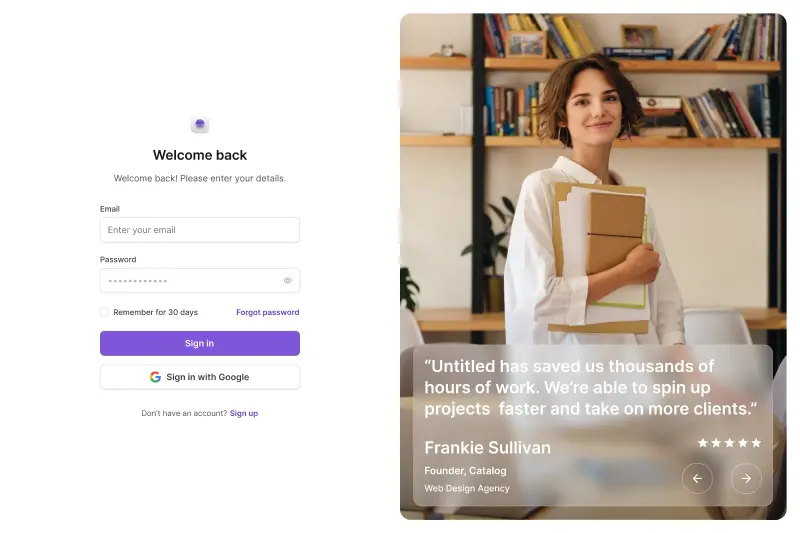
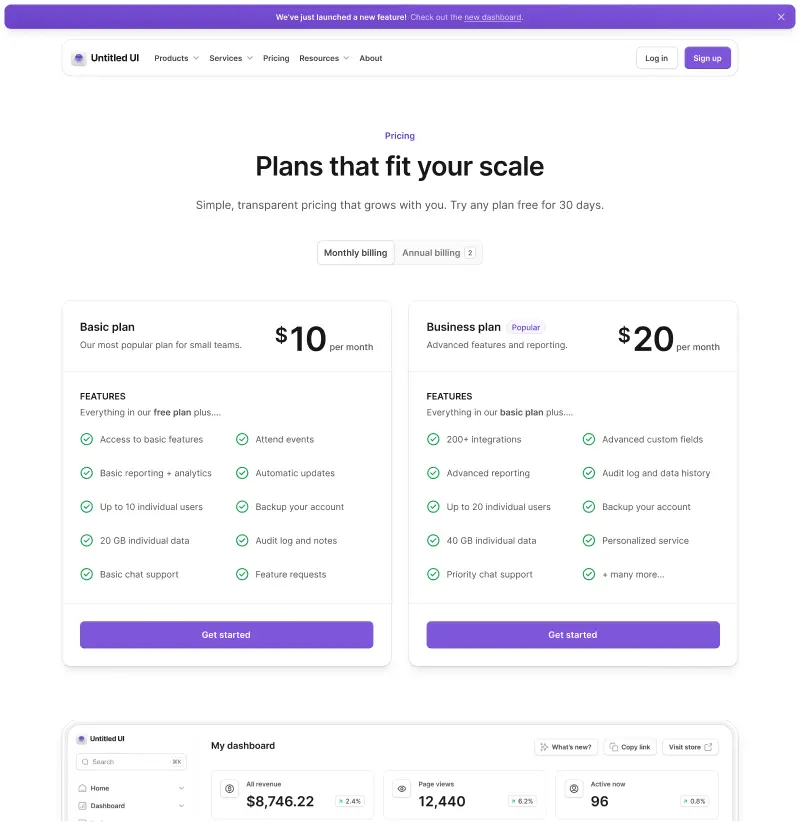
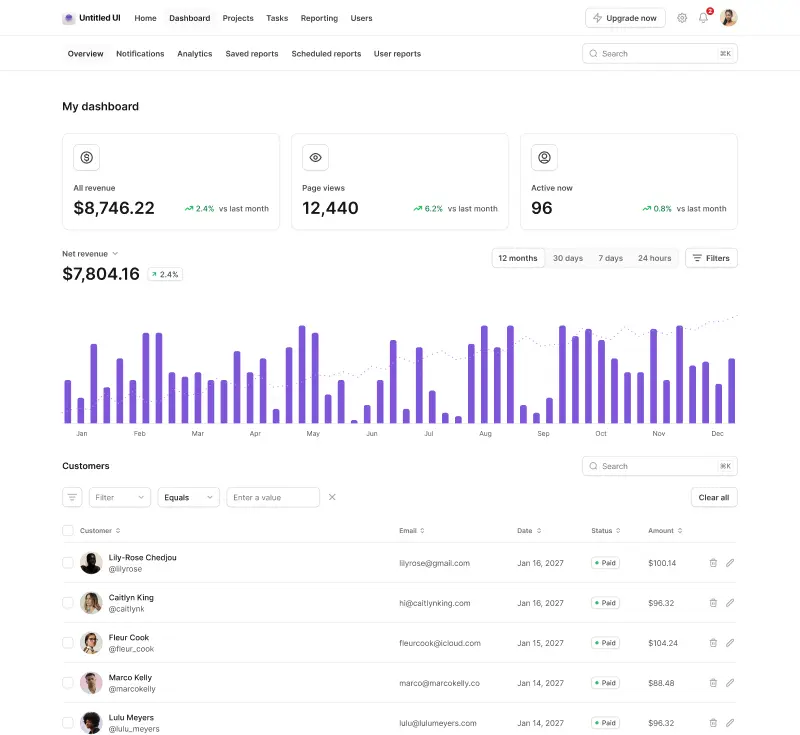
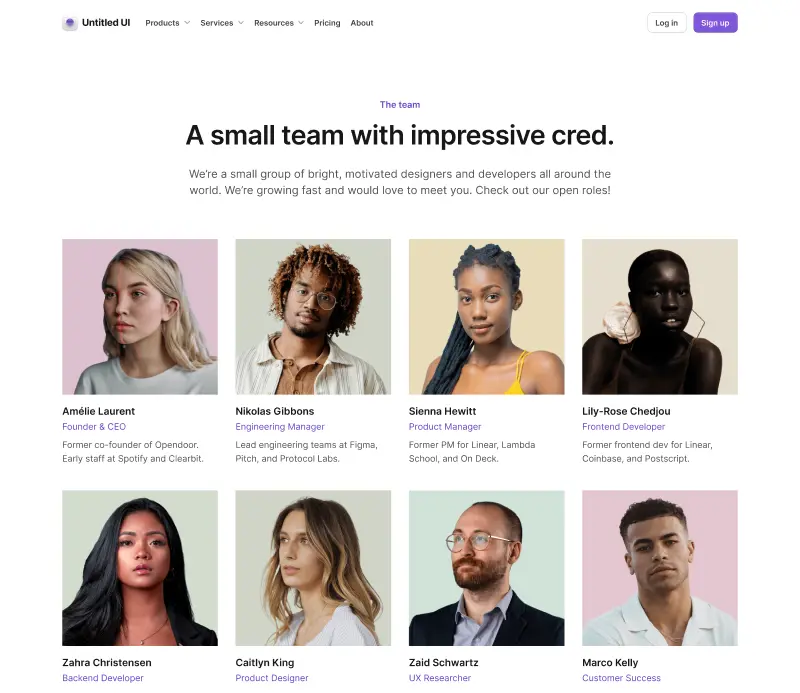
A consistent icon set only looks right sitting inside a UI kit with matching spacing, corner radius and stroke weight. Here's how a few of the most popular Figma UI kits stack up:
See the full comparison of the best Figma UI kits for more.
Popular React component libraries to pair with your icon set
If you're shipping in code rather than Figma, the same consistency logic applies — pick a component library whose icon sizing and design tokens match:
See the full comparison of the best React component libraries for more.
Missing a free icon set?
There are dozens of new icon sets being released every month. We've reviewed hundreds of these icon sets to pick out the highest-quality examples and regularly update this post if we find one that makes the cut.
If you're releasing a free icon set and would like to be included on this list, let us know! We'd love to check it out.
More best practice guides
This post is an excerpt from Untitled UI Figma, world's largest Figma UI kit and design system. Untitled UI includes tips and best practices right in the Figma file to help you level up as a designer. You can preview Untitled UI Figma here.
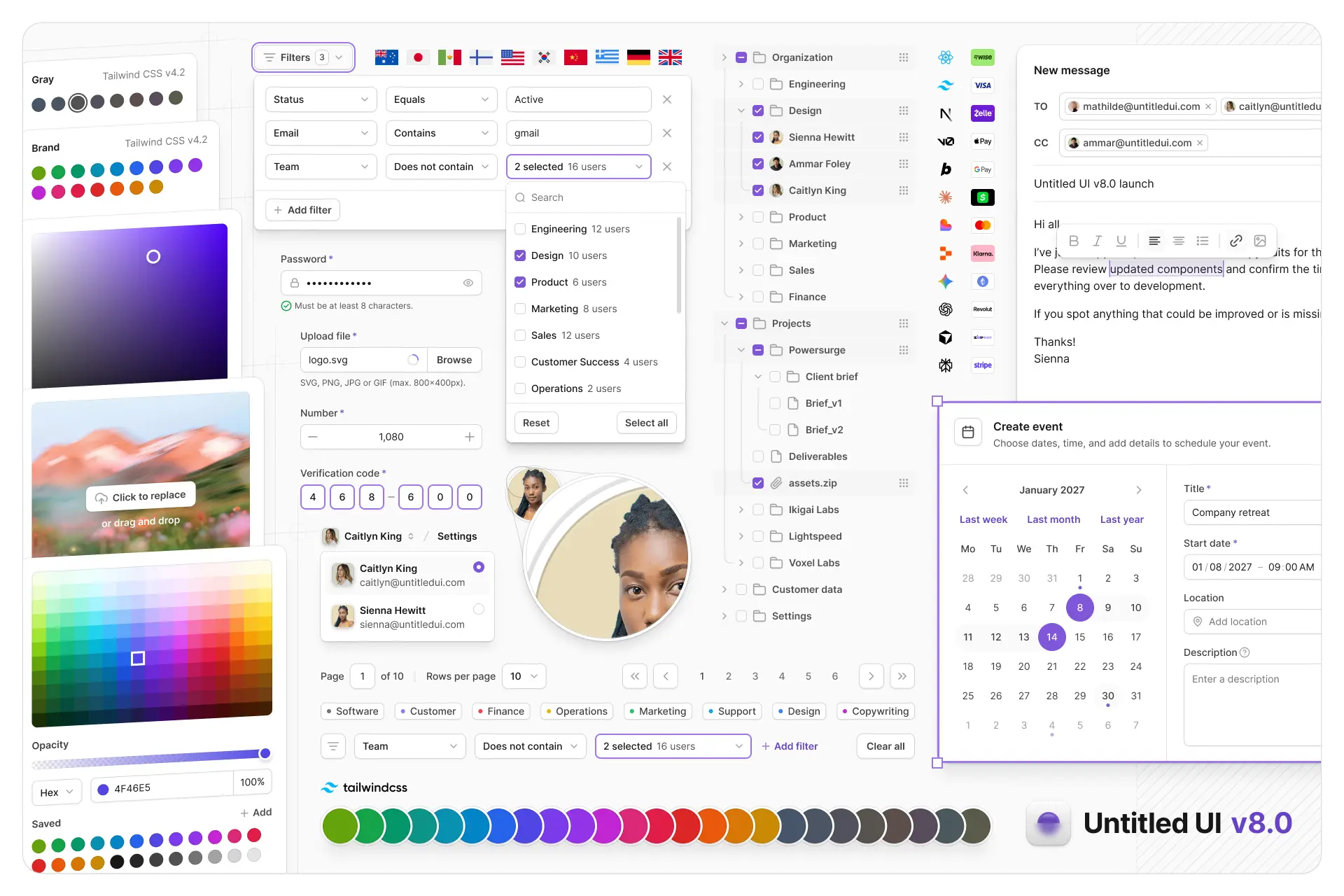
Untitled UI Figma is meticulously crafted with 100% Auto Layout 5.0, super-smart variants, Figma's newest variables features, and with accessibility in mind.
It's a great example of Figma design system best practices and is the most popular and highest-rated Figma UI kit on the internet with 3,650+ 5-star reviews!
We've also released Untitled UI Figma PRO LITE, which is a premium and lightweight version of the full Untitled UI Figma PRO STYLES kit and have included it for free. It's 55% lighter, faster, and is designed to include everything you need and nothing you don't. It's perfect for moving fast and for smaller projects!
Untitled UI was designed to be the "ultimate" UI kit and the perfect starting point for any kind of project—from beautiful marketing landing pages, all the way to complex dashboards and web apps—Untitled UI has thought of absolutely everything so you don't have to.
We're constantly making updates and improvements to the UI kit and recently announced that we've completely refactored Untitled UI to take advantage of Figma's latest features released at Config 2023, Framework 2024, Config 2024, Config 2025, and Config 2026. This includes all the latest Figma features such as color variables (dark mode), spacing, radius, typography, and effects variables, Auto Layout 5.0, min/max widths, Auto Layout wrapping, and much more.
You can check out a full preview of the design kit, or check out the 100% free UI kit here (which is more advanced than most UI kits in its own right!). If you're short on time, here's a 60-second overview: